Analogue Voice Setup
1. Locating your Phone Socket
You get the best connection from your main phone socket (aka the master socket). It's usually located where the line enters the home.


You can also use a known working telephone extension socket (usually smaller in size than a main socket).
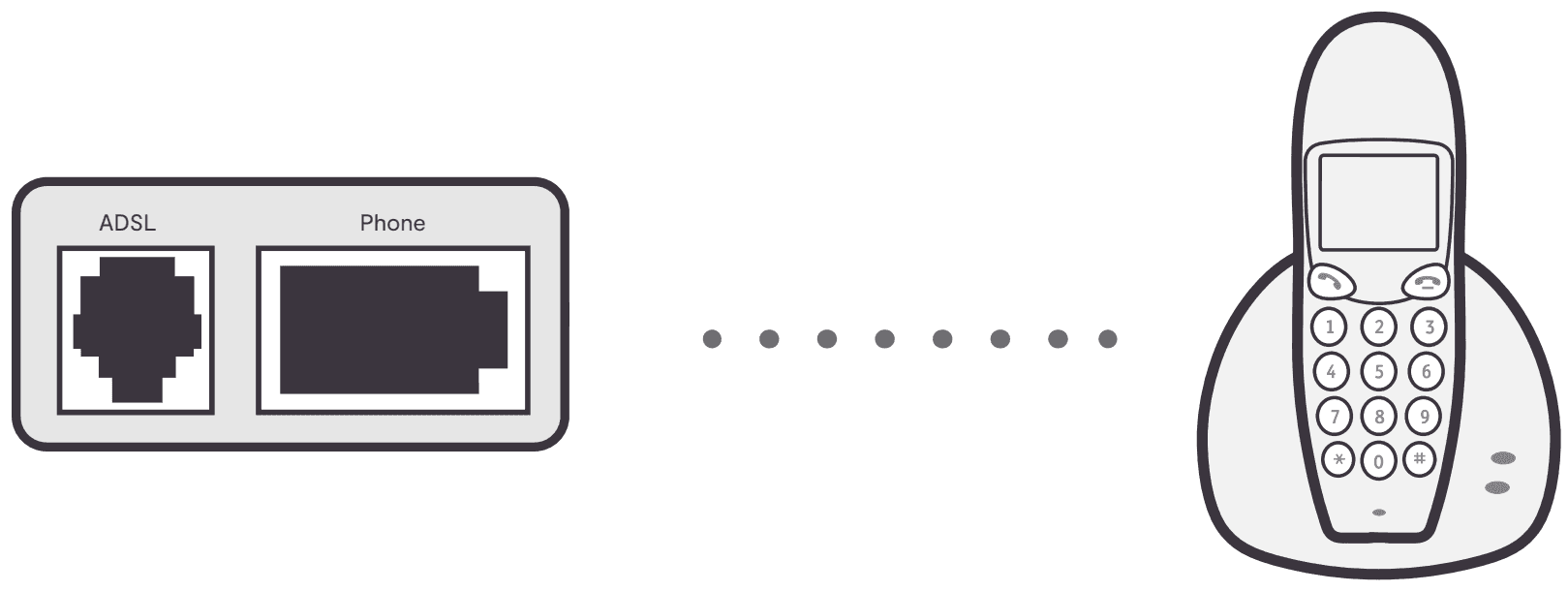
2. Connecting the Microfilter
A microfilter is a small (often white) match box sized item, that you will need to connect your telephone into, before connecting into the wall socket.
3. Test it's Working!
Check for dial tone and make a test call.

You can call "17070" which is a Openreach test number, to confirm your line is working.
Download the Zen mobile application to manage your broadband plans.


Apple and Apple logo are trademarks of Apple Inc. Google Play and the Google Play logo are trademarks of Google LLC.
