
Home / Setting up your internet
Setting up your internet
Choose from our extensive Knowledge Base, YouTube videos & Guides.
Please select the type of connection you have:
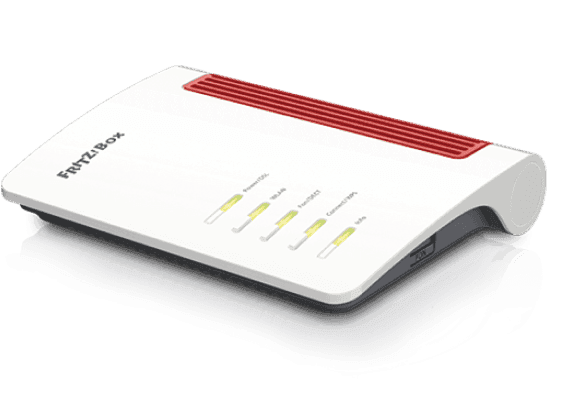
Just got your Eero router delivered? If you're wanting some help setting up click below:
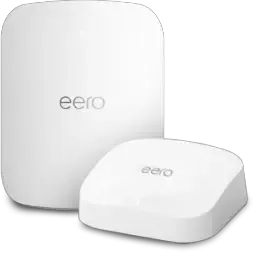
Got your Calix router? If you're wanting some help setting up click below:
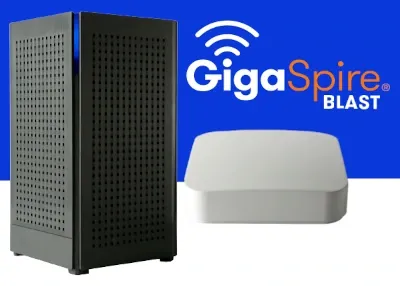
Need to Add or Remove an additional Eero to your Network? Click either of the below to find out how:
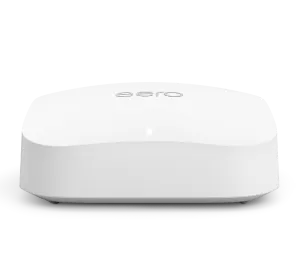
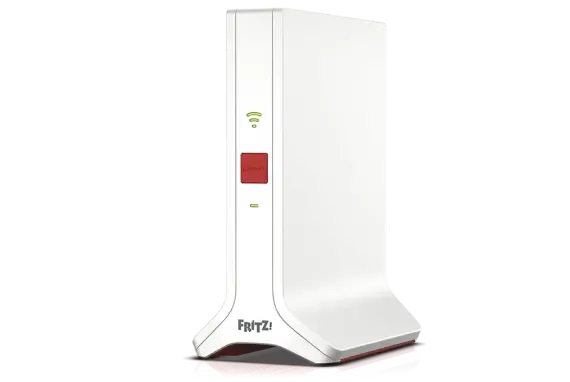
Just got your EveryRoom Repeater delivered? If you're wanting some help setting up click below:
Just got your MiFi Hotspot? If you're wanting some help setting up click below:
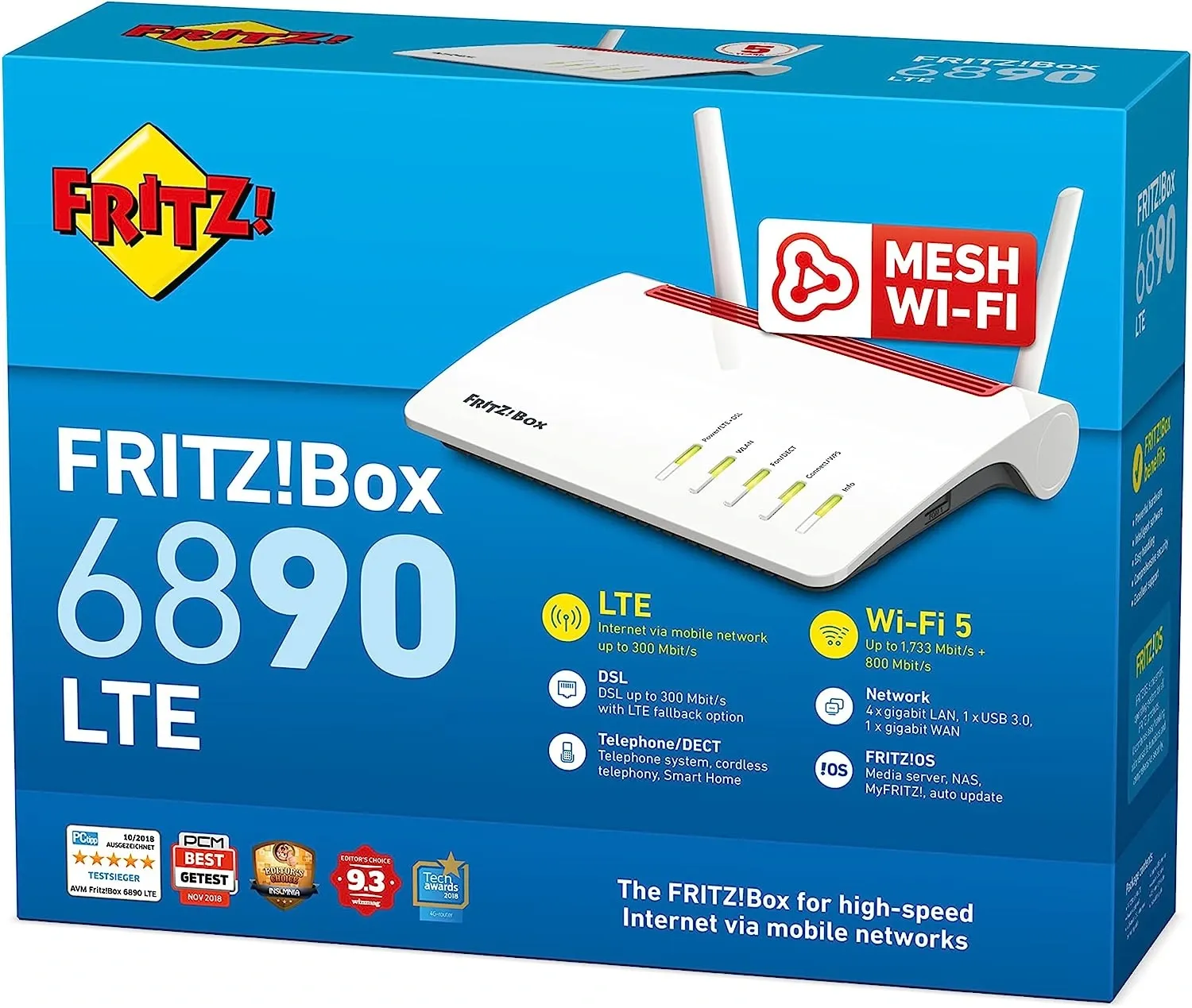
Click below to find out how to set up your 6890LTE:
Have a Non-Zen router and unsure how to set this up? Click below for settings that may help getting you online:


Apple and Apple logo are trademarks of Apple Inc. Google Play and the Google Play logo are trademarks of Google LLC.
