Upgrading to CityFibre
Before You Start!
When upgrading from Broadband to CityFibre. There's a couple of things you'll need to change with how your router is setup.
Unplug the power for your Router and follow the below steps on changing how everything is plugged in.
1. Swap Over Your Cables
- Start by disconnecting your grey DSL cable. One end will be into "DSL" on the back of your FRITZ!Box router
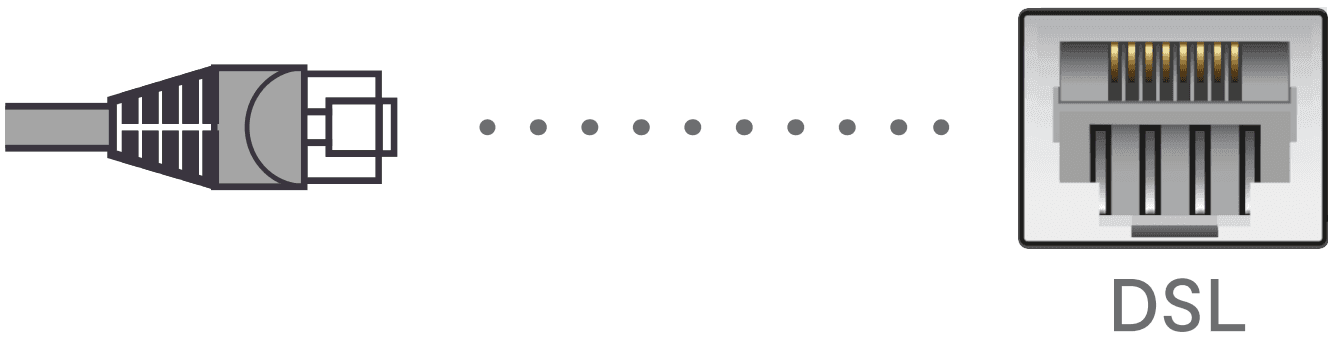
- Now disconnect the other end of the grey cable from your telephone socket or DSL microfilter

- Find and connect the provided white Ethernet cable to "LAN 1" on the back of your FRITZ!Box
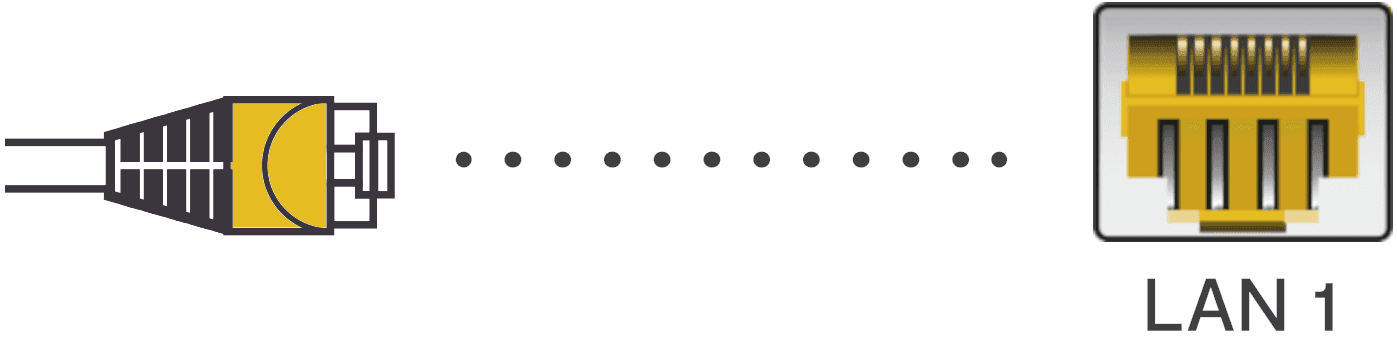
- Connect the other side of this white cable to "LAN" on the engineer installed ONT mounted to your wall
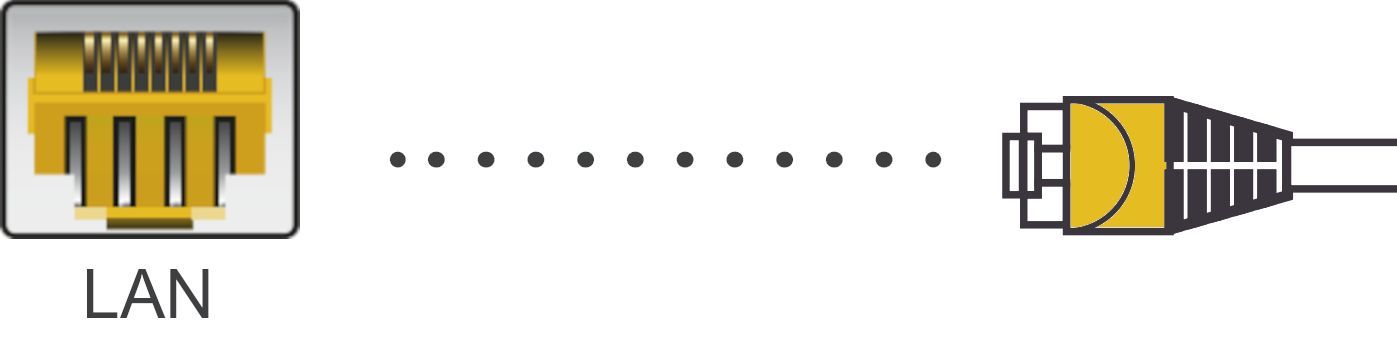
Note: Your ONT may already have an Ethernet cable into "LAN". If this is the case, connect the other end of this to "LAN 1" on your FRITZ!Box.
- Now power on the router and wait for the Power/DSL light to go a solid green

Still Need a Hand?
If the above steps don't get you online, please contact our Technical Support team for further assistance.
Download the Zen mobile application to manage your broadband plans.


Apple and Apple logo are trademarks of Apple Inc. Google Play and the Google Play logo are trademarks of Google LLC.
