Running a Service Test for Business
1. Logging into your Portal
- Go to the " My Account" section of the Zen website and enter your username or password
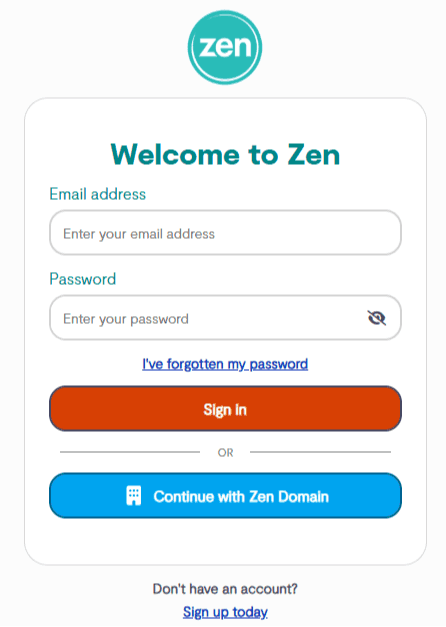
Note - If you are not signed up for the portal click the button to "Sign Up for a Zen Account"
2. Finding a Service
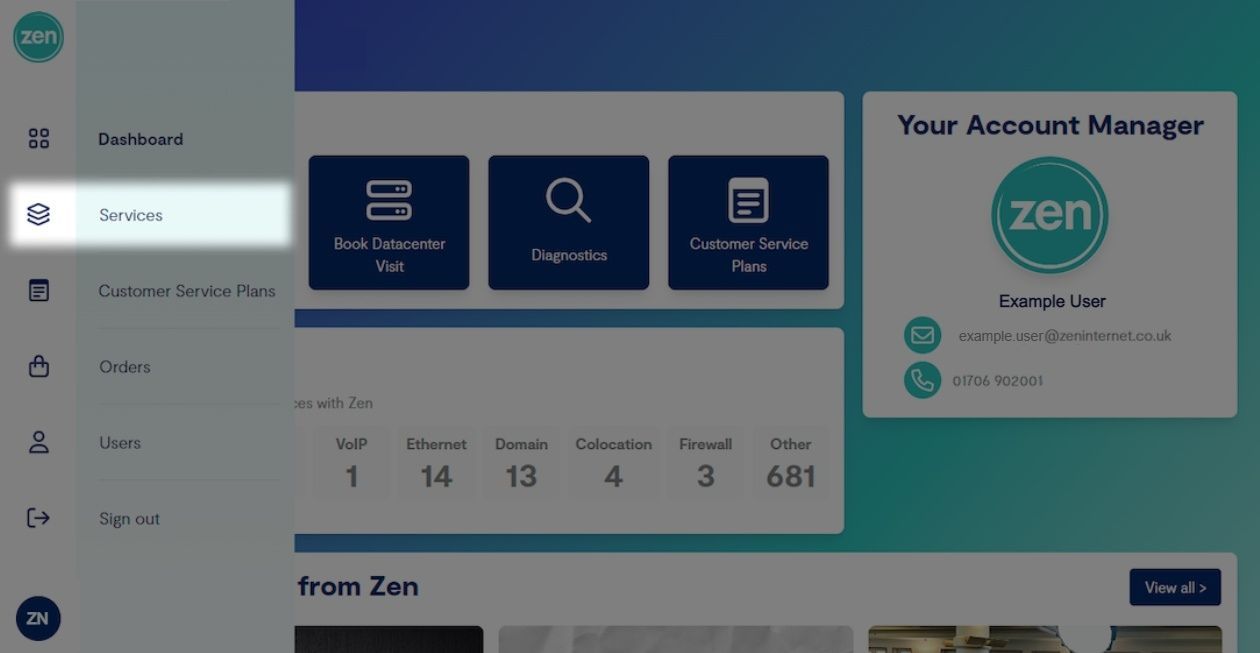
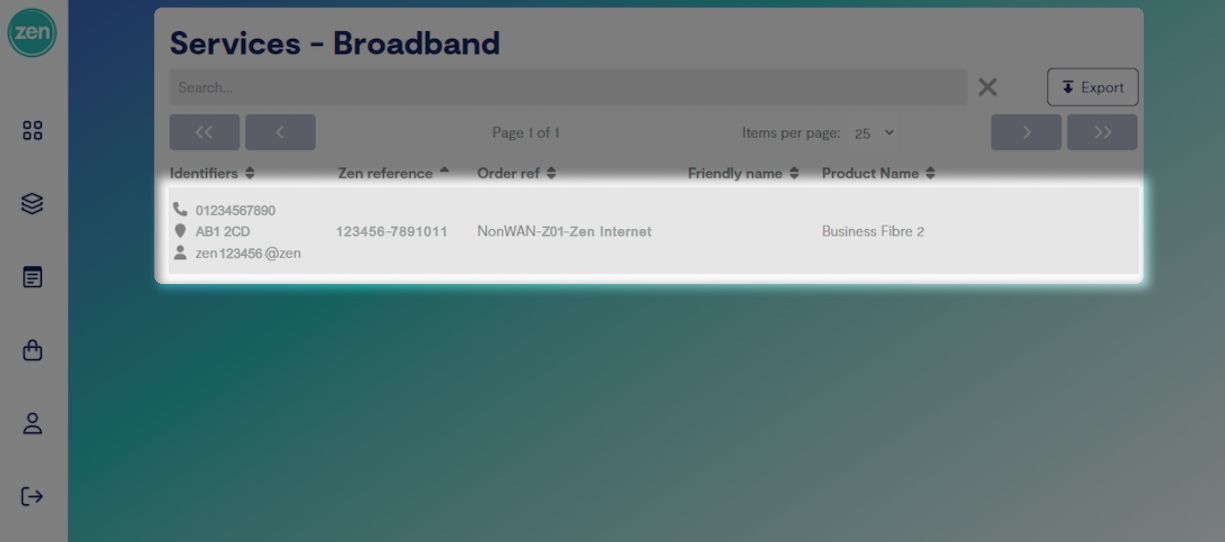
- Select "Services" at the side of the main Portal page
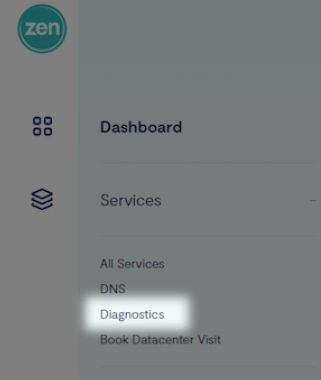
- Then select the "Diagnostics" tab
- Search for the service you want to run a test on, using the "Postcode" or "Zen Username"
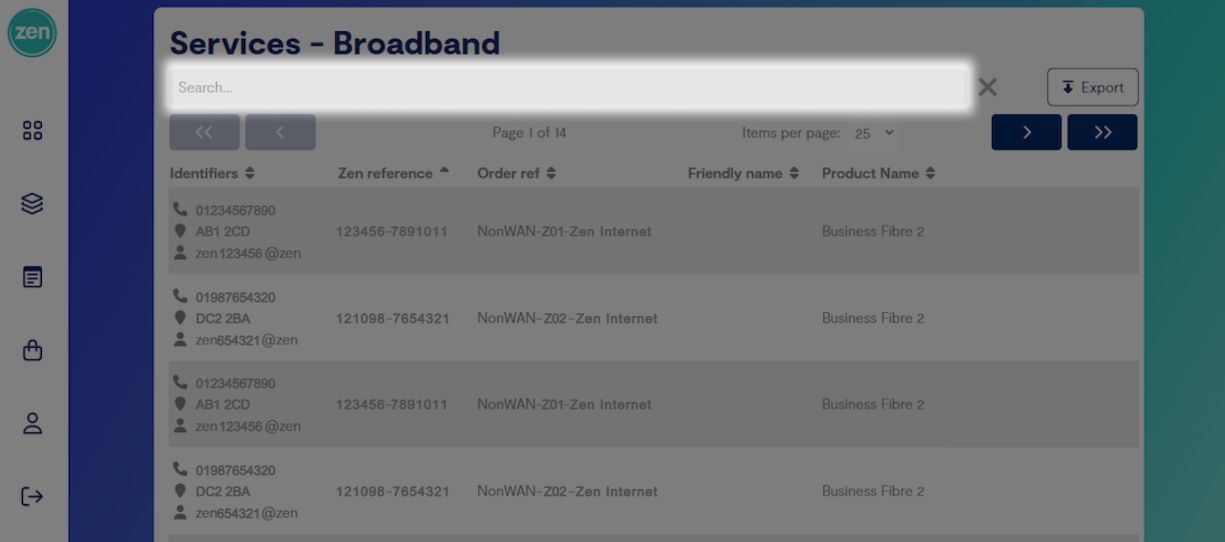
- Once you've found the service, select this to proceed
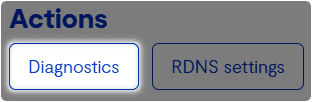
- When you have selected the service you want to test, select Diagnostics
- Then select Run a test or Run new test if a line test has been done previously
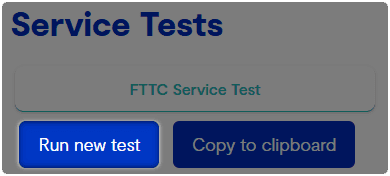
A line test will now be performed on this service.
3. Understanding Diagnostics
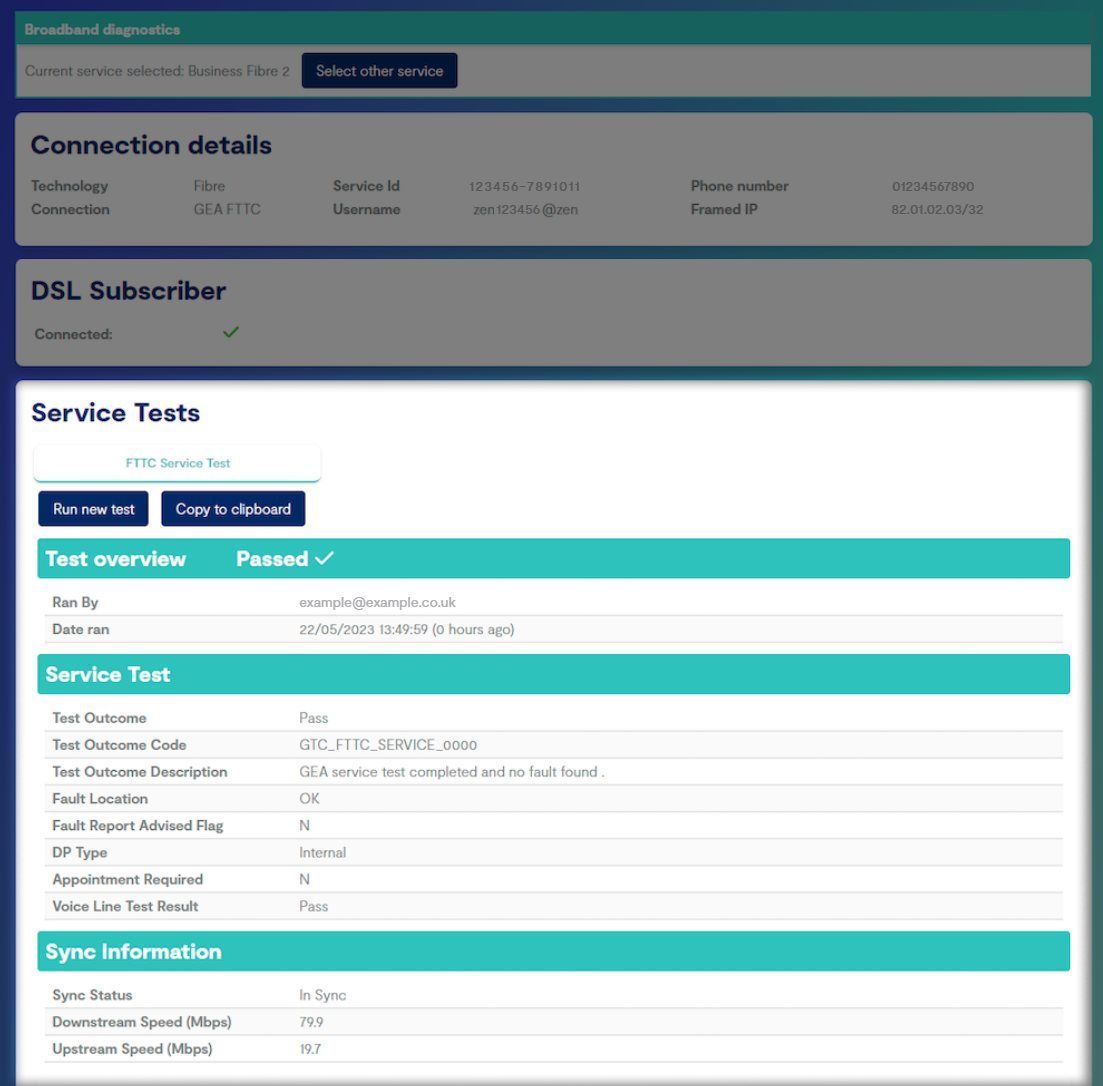
- Within "Connection Details" and "DSL Subscriber", you'll find the current connection details and the current status of the service
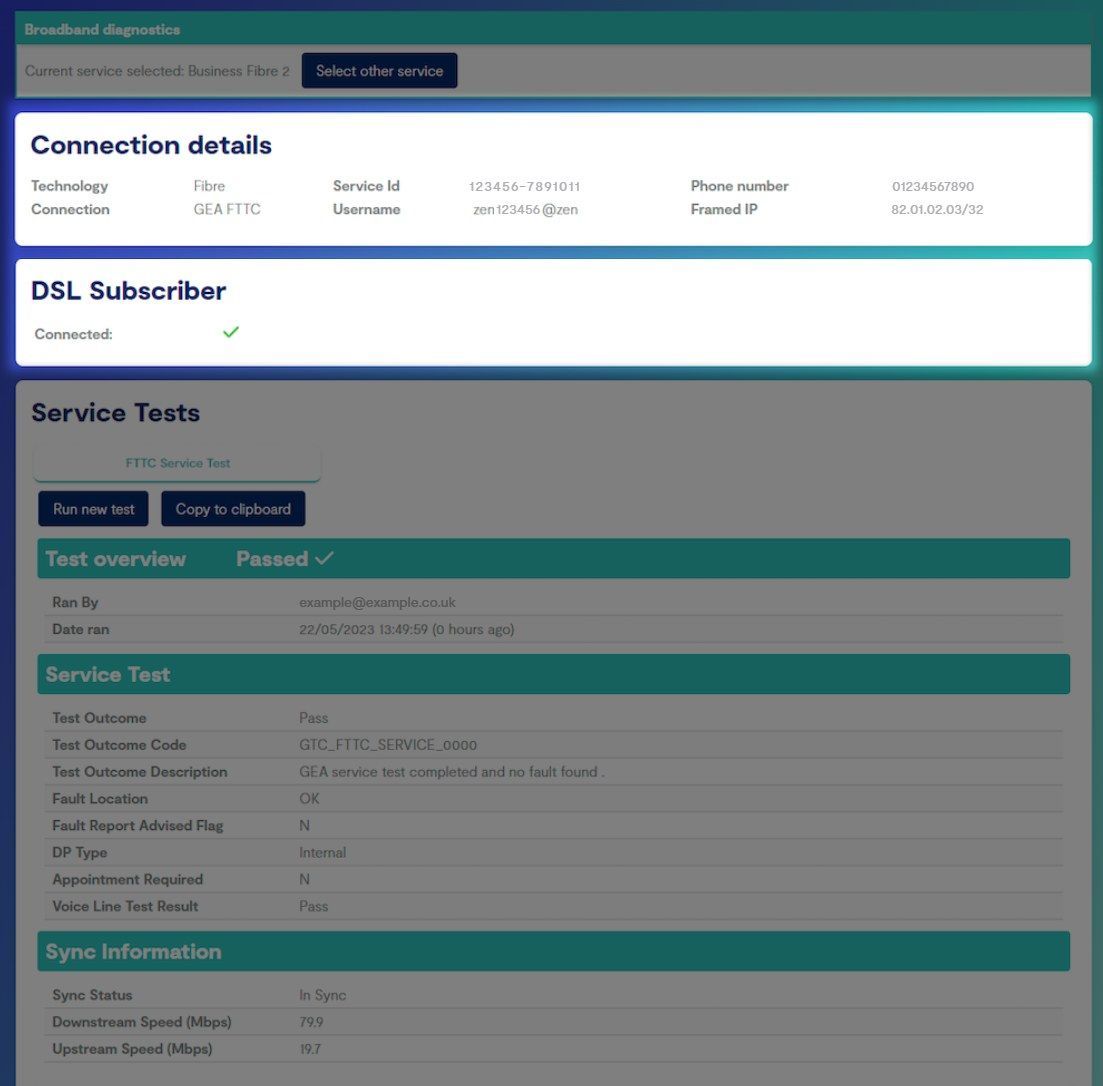
- Running a "Service Test" will identify if there are any faults further from the premises causing a slow or loss of connection
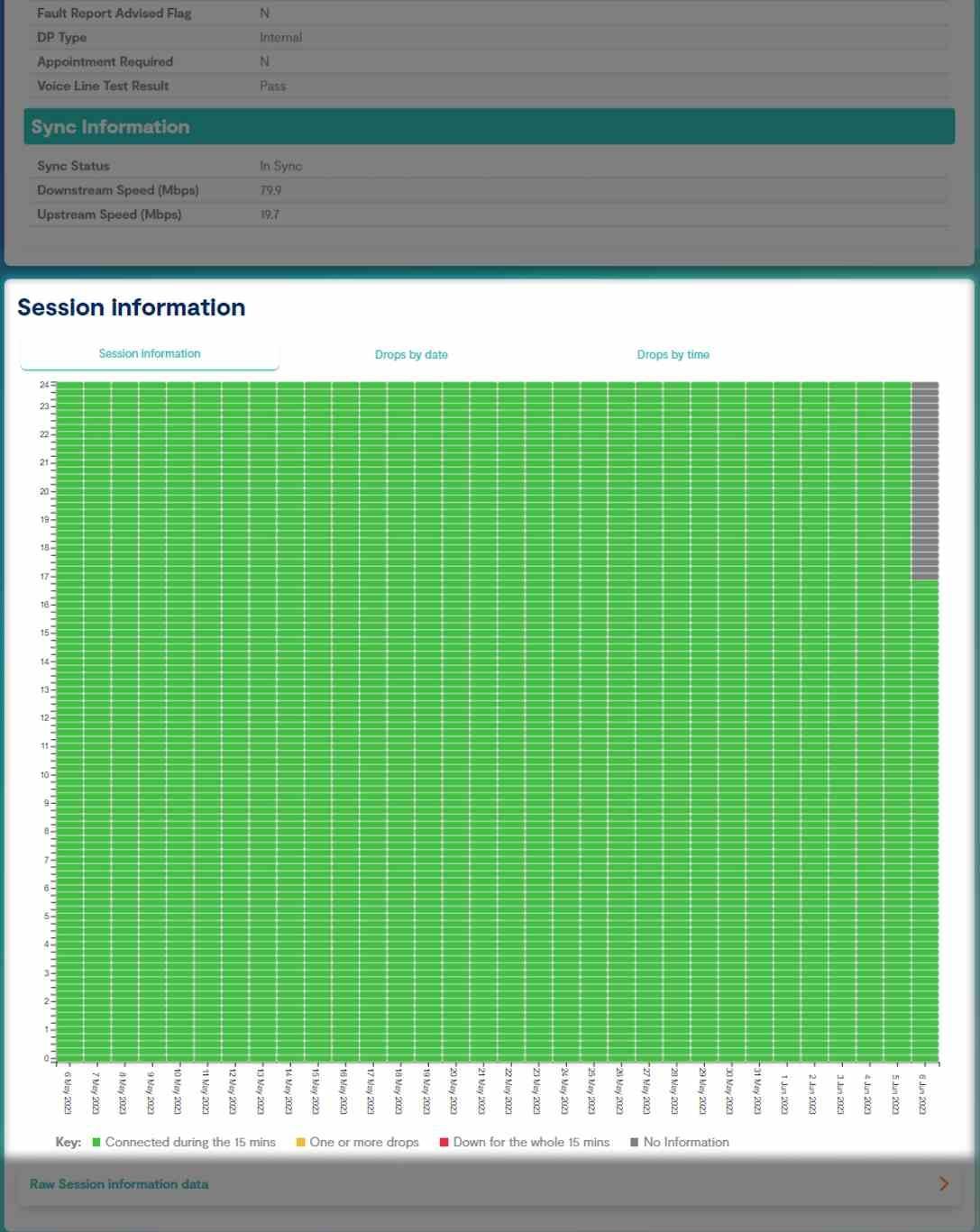
- "Session Information" provides a graphical overview of the connection, when this has been online, offline or has disconnected within 15 minute intervals
4. Contact us
If you need any further assistance, please do not hesitate to contact our Technical Support team.
Download the Zen mobile application to manage your broadband plans.


Apple and Apple logo are trademarks of Apple Inc. Google Play and the Google Play logo are trademarks of Google LLC.
