Managing Domain DNS Records for Home
What is DNS
DNS (Domain Name System) is responsible for pointing a domain name to a host on the internet. When typing a web address into a browser, a DNS request is sent to find the IP address of the web server it's hosted on, they also work in this way to identify email addresse.
The DNS records for a domain name are held on a Name Server (NS), these are maintained by various 3rd parties.
There are also "authoritative" NS, where DNS records are kept for a domain name. Usually, the authoritative NS for your domain name is looked after by your domain hosting company. These authoritative NS are then checked by "recursive" NS (Such as an ISPs) to find out information for that domain name.
A Fully Qualified Domain Name (FQDN) refers to an absolute domain name (the domain name in full). It contains information about all the domain levels, such as the top level domain (TLD) or root zone. A FQDN is represented when a full hostname with all labels (components) of a domain name is present, including a trailing dot (.)
For example: "zen.co.uk".
As DNS records can be configured in various ways for different personal and business needs, we provide the tools for our customers to manage their own DNS records.
1. Logging into your Portal
- Go to the "My Account" section of the Zen website and enter your username or password
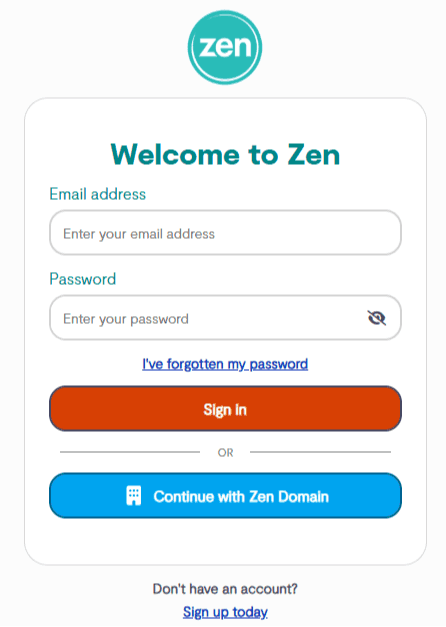
Note - If you are not signed up for the portal click the button to "Sign Up for a Zen Account"
2. Finding Your Domain Settings
- Click "My Services" tab at the top of the portal page
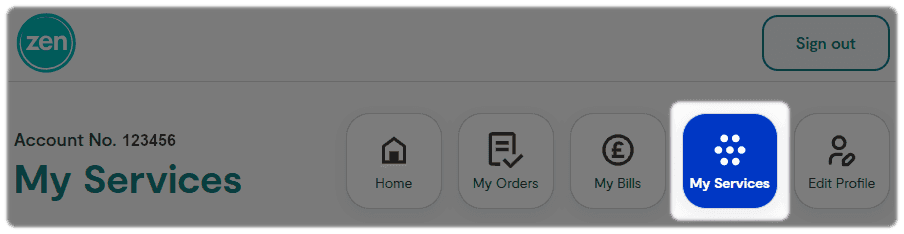
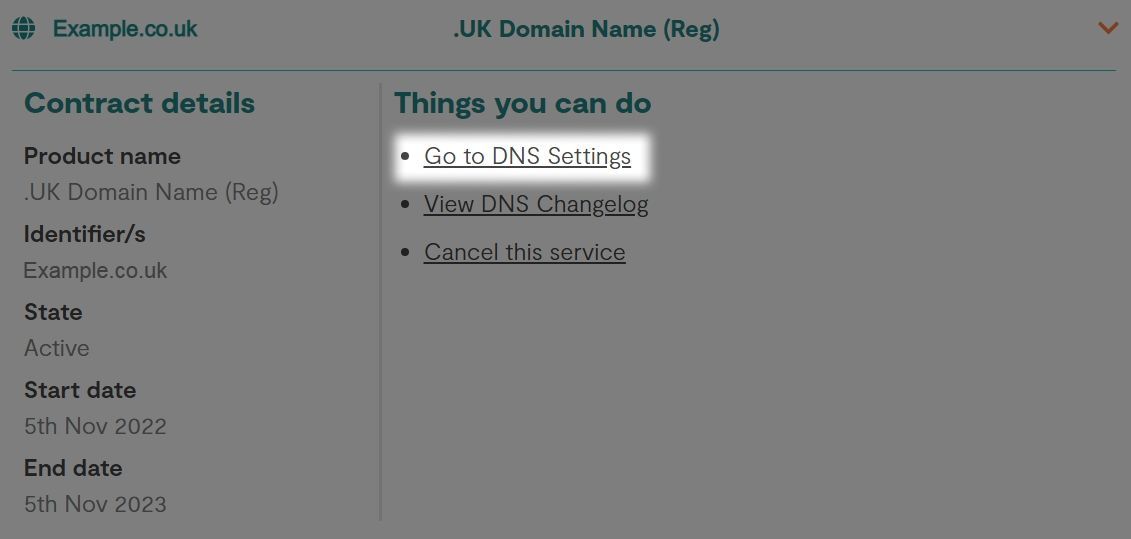
- Find your domain from the list, then select the arrow to the side to open more information

- You'll see a "Things you can do" section, select the option for "Go to DNS settings
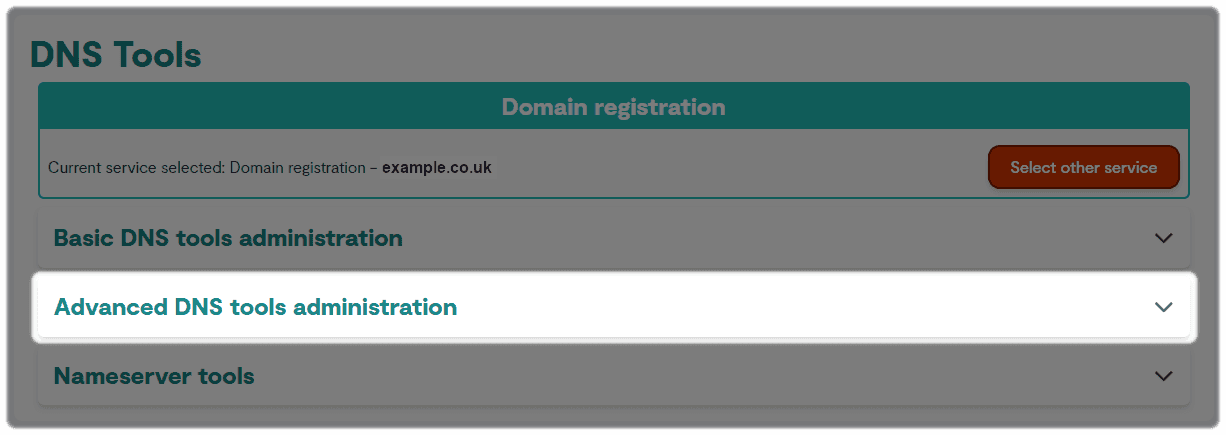
- Now select the option for "Advanced DNS tools administration"
Still Need a Hand?
If encountering problems entering any records, feel free to contact our Web Hosting team.
Should you wish to request a Zone File, please email hosting@zen.co.uk.
Download the Zen mobile application to manage your broadband plans.


Apple and Apple logo are trademarks of Apple Inc. Google Play and the Google Play logo are trademarks of Google LLC.
