Home / Getting Started with CityFibre

Getting Started with CityFibre

Choose from our extensive Knowledge Base, YouTube videos & Guides.

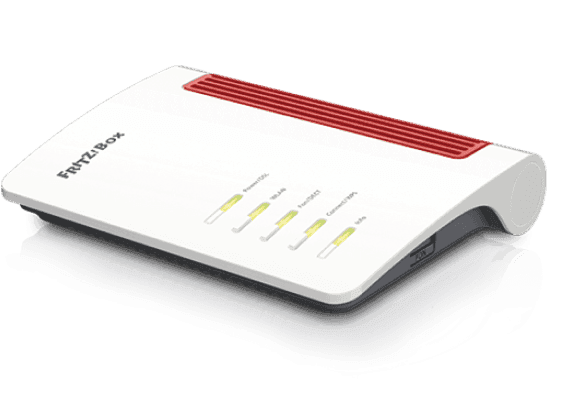
Setting up your FRITZ!Box for the First Time for CityFibre

Just got your CityFibre router delivered? If you're wanting some help setting up, click below:
Find Out More

FRITZ!Box 7530 AX

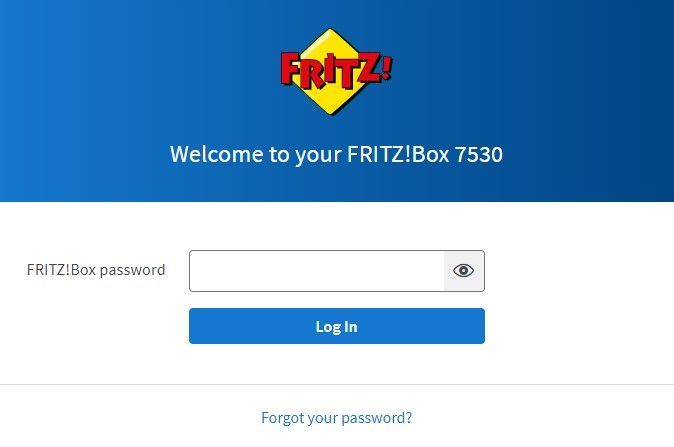
Manually Inputting your FRITZ!Box Settings for CityFibre

Has your CityFibre router not set up automatically? If you're wanting to input the settings manually, click below:
Find Out More

FRITZ!Box Interface box asking for a password and an option to log in

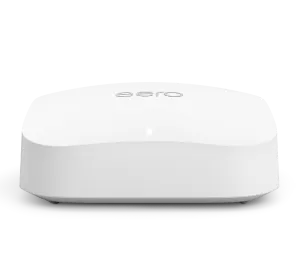
Setting up your Eero for the First Time for CityFibre

Just got your Eero router delivered? If you're wanting some help setting up, click below:
Find Out More

White Eero mesh Wi-Fi device with rounded corners, showing the Eero logo.

Manually Inputting your Eero Settings for CityFibre

Has your Eero not set up automatically? If you're wanting to input the settings manually, click below:
Find Out More

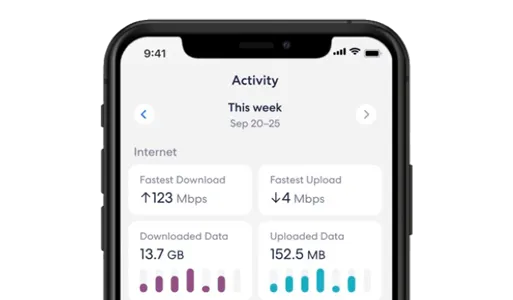
Smartphone displaying an internet activity app with download/upload speeds and data usage.

General Settings for a Non-Zen Router

Have a Non-Zen router and unsure how to set this up? Click below for settings that may help getting you online:

Find Out More

Router Support

Download the Zen mobile application to manage your broadband plans.

Download the app from the Apple App Store button with Apple logo.Get the app from the Google Play Store button with Google Play logo.

Apple and Apple logo are trademarks of Apple Inc. Google Play and the Google Play logo are trademarks of Google LLC.

