Running a Service Test for Home
1. Logging into your Portal
- Go to the "My Account" section of the Zen website and enter your username or password
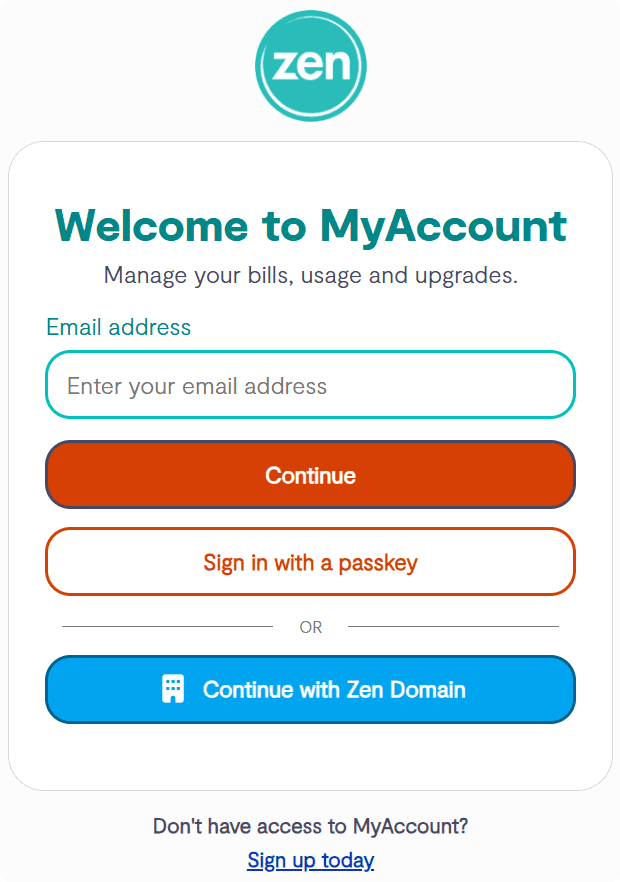
- Note - If you are not signed up for the portal select the "Sign up today" option
2. Finding the Service Test
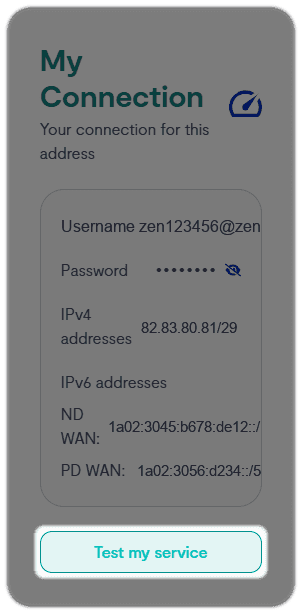
- From the Home page go to the "Service Status" tile and select "Test my Service"
- You can start a service test by selecting the 'Begin Test' button; this will check for any faults on the service
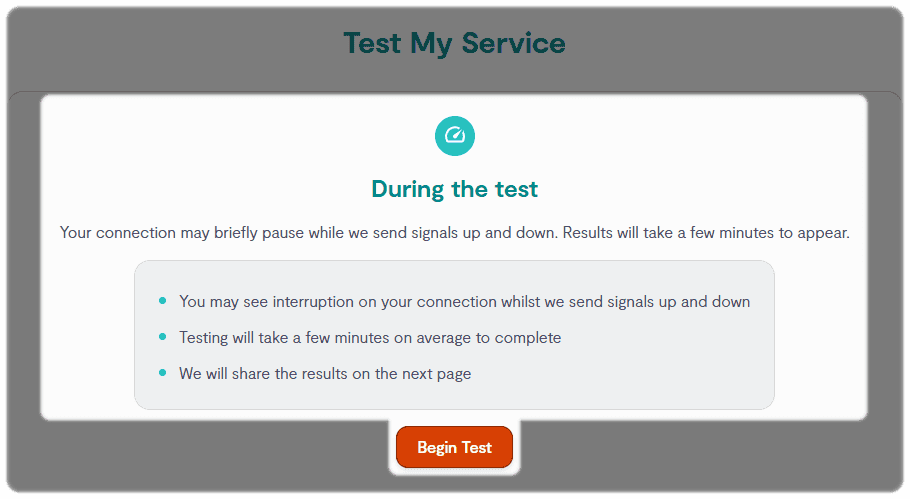
Note: Previous line test results are listed under the 'Test History' section lower down the page, with the option to 'View Results'
3. Running a Service Test
- After selecting "Begin Test" a progress wheel may show for some time, please do not refresh the page during this time
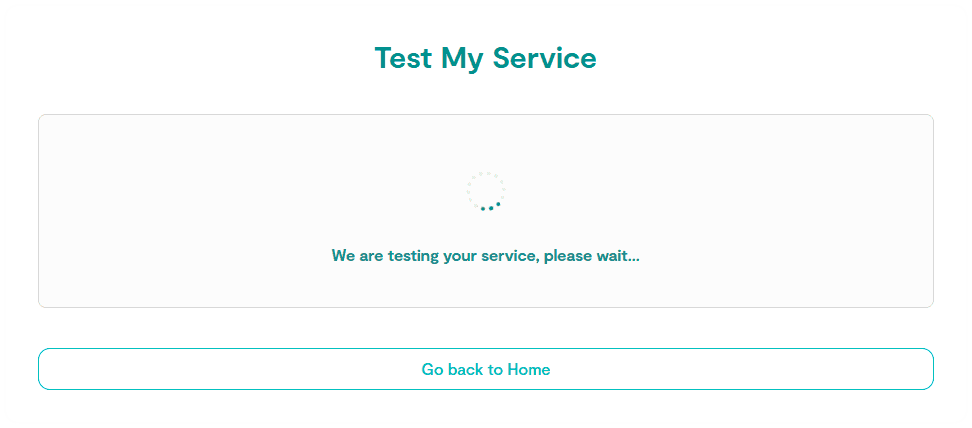
- When the test results come through, you'll be given your line status and information
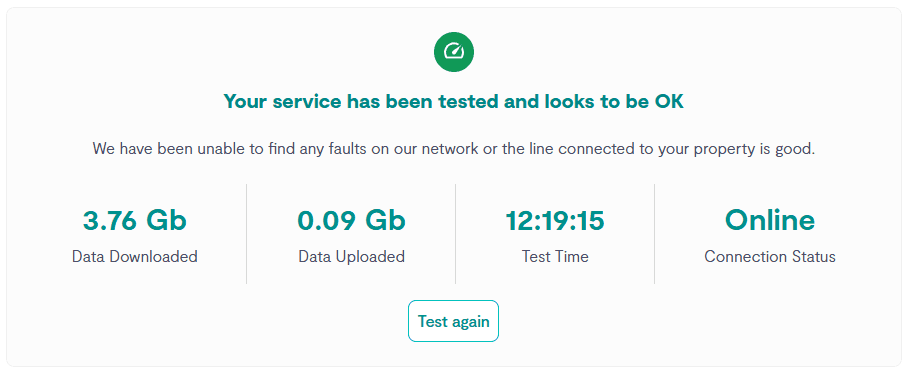
- If you still are having issues, we recommend turning your router off for 30 seconds and try re-running the test
Download the Zen mobile application to manage your broadband plans.


Apple and Apple logo are trademarks of Apple Inc. Google Play and the Google Play logo are trademarks of Google LLC.
