Mobile Digital Voice Setup
1. Check your Internet Connection
An internet connection is required for digital voice to work.
If you're having trouble with your connection, be sure to look at our diagnostic pages here.
2. Connect to the FRITZ!Box WiFi Network
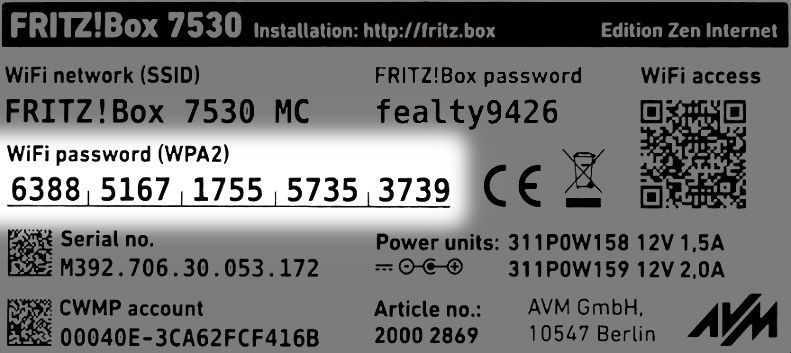
Open the WiFi "Settings" on your Mobile phone and select your "FRITZ!Box" to connect. It will prompt you to enter the wireless password.
The Wireless Access Network Key is located underneath the router on a sticker. It will be a 20-digit number.
3. Install the app
- Depending on the device you're using, download the "FRITZ!APP Fon" App:


4. Log in using the app
- After download the FRITZ!APP Fon, open the App
- Now locate the "FRITZ!Box Password" found on the underside of your router
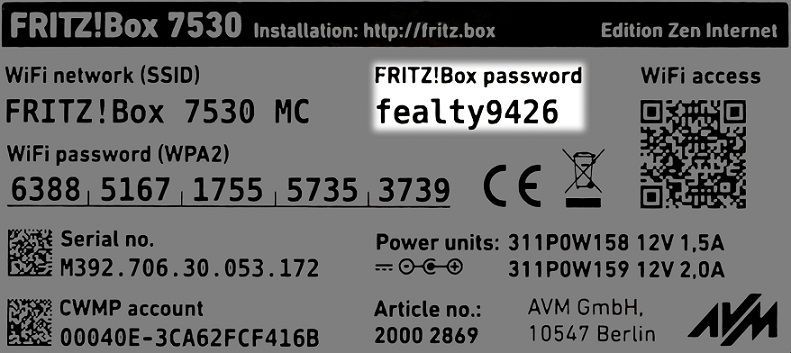
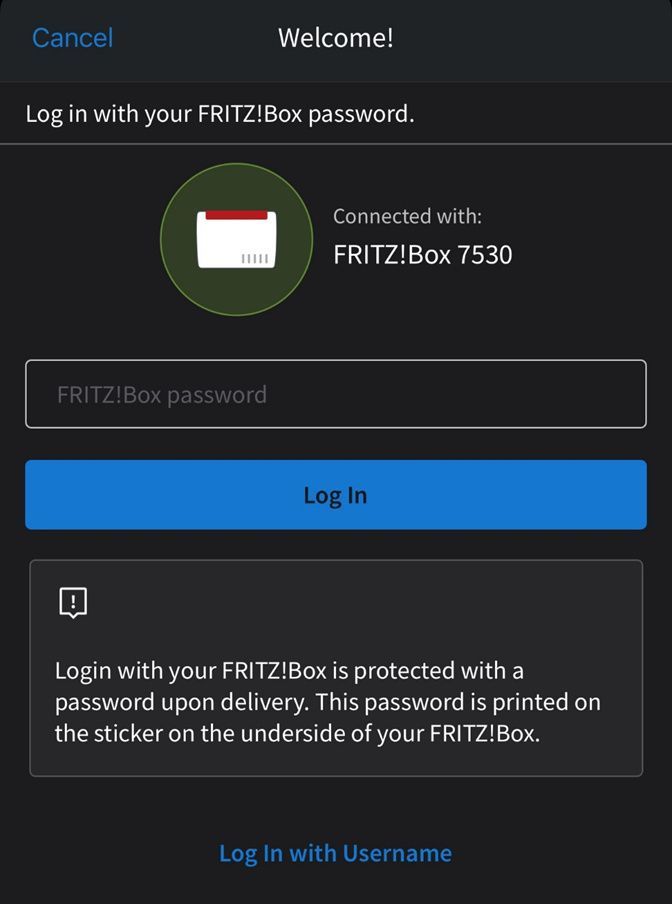
- Where prompted on the FRITZ!APP Fon to "Log In with a Password" enter the FRITZ!Box password
5. Setup the App
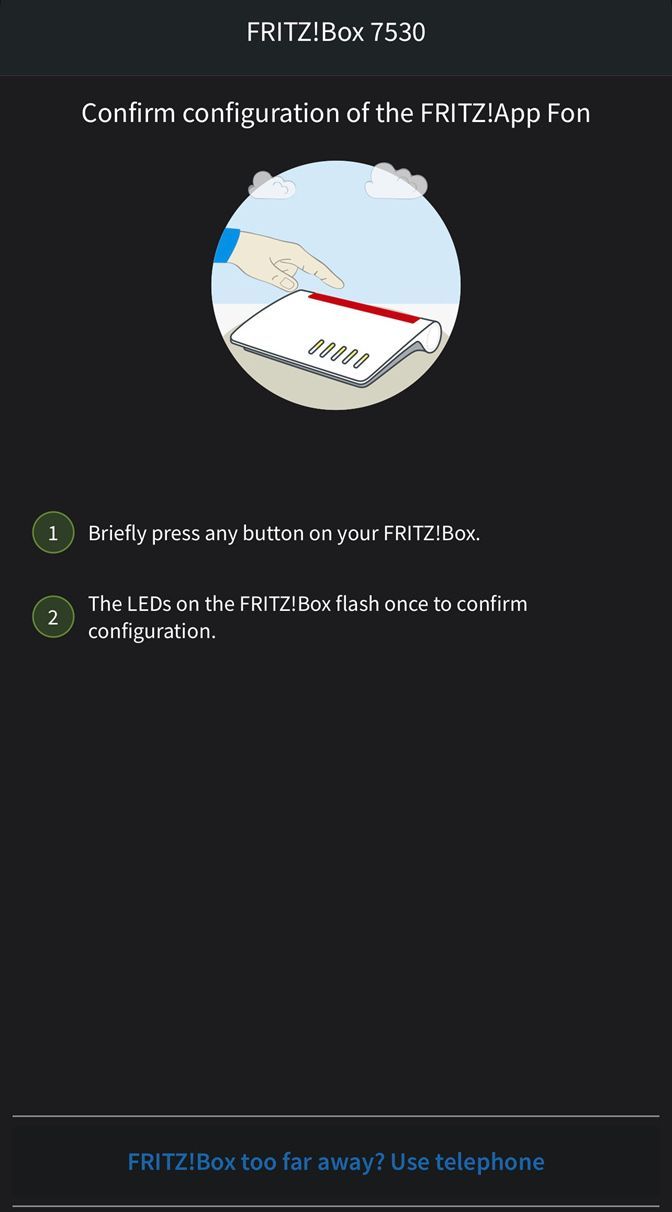
Now you'll be prompted, to confirm the configuration of the FRITZ!APP Fon.
- Select the option for "No telephone? Confirm with FRITZ!Box Button"
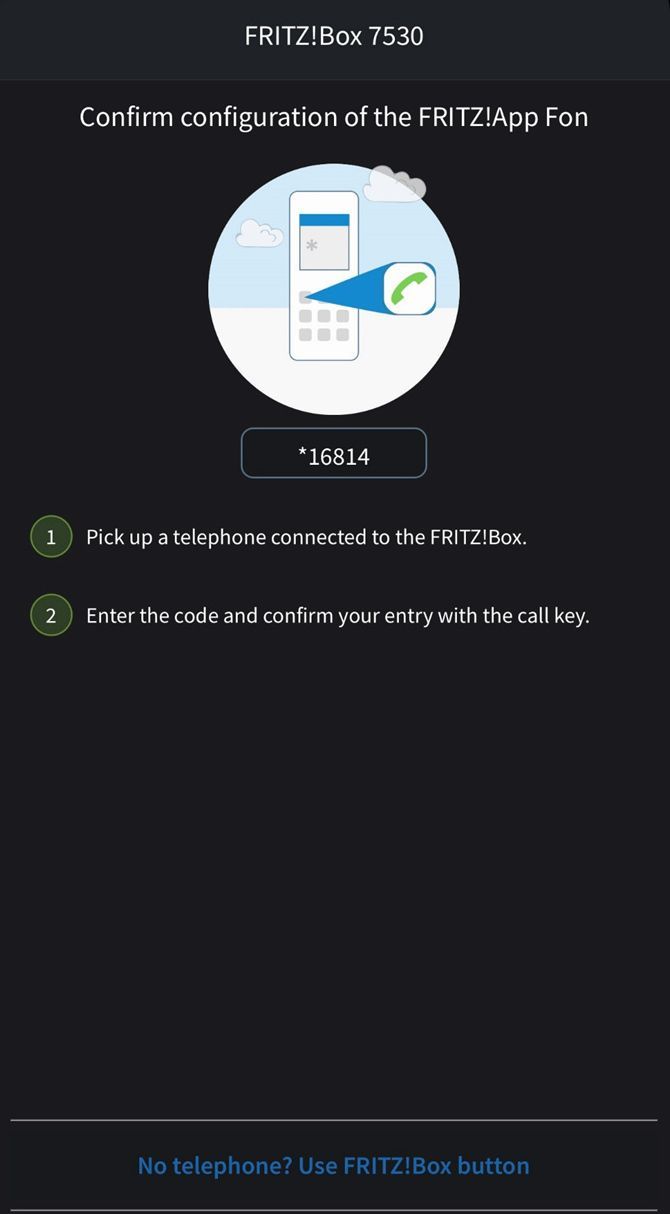
- Then press any button on the top of your FRITZ!Box to confirm the configuration
6. Fritz!FON app access
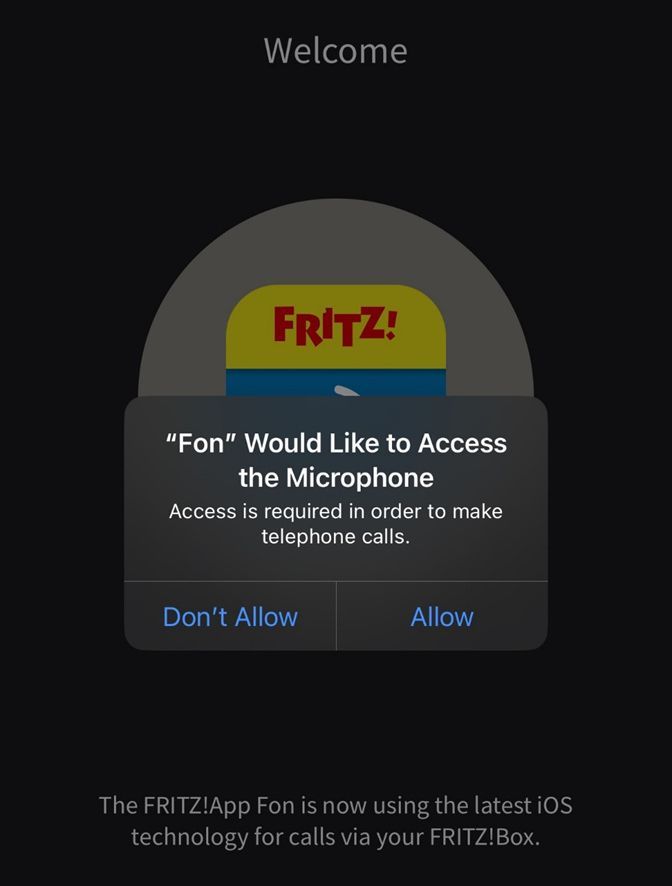
- The next prompt will request access to use your mobile phone's Microphone. Allow this so you can make/receive calls
- A final prompt will ask to link to your mobile's contacts. The FRITZ!Box does have an internal phonebook so you don't have to use this if you don't wish to
7. Test it's working
Congratulations you should now be setup to make/receive calls on the FRITZ!APP Fon
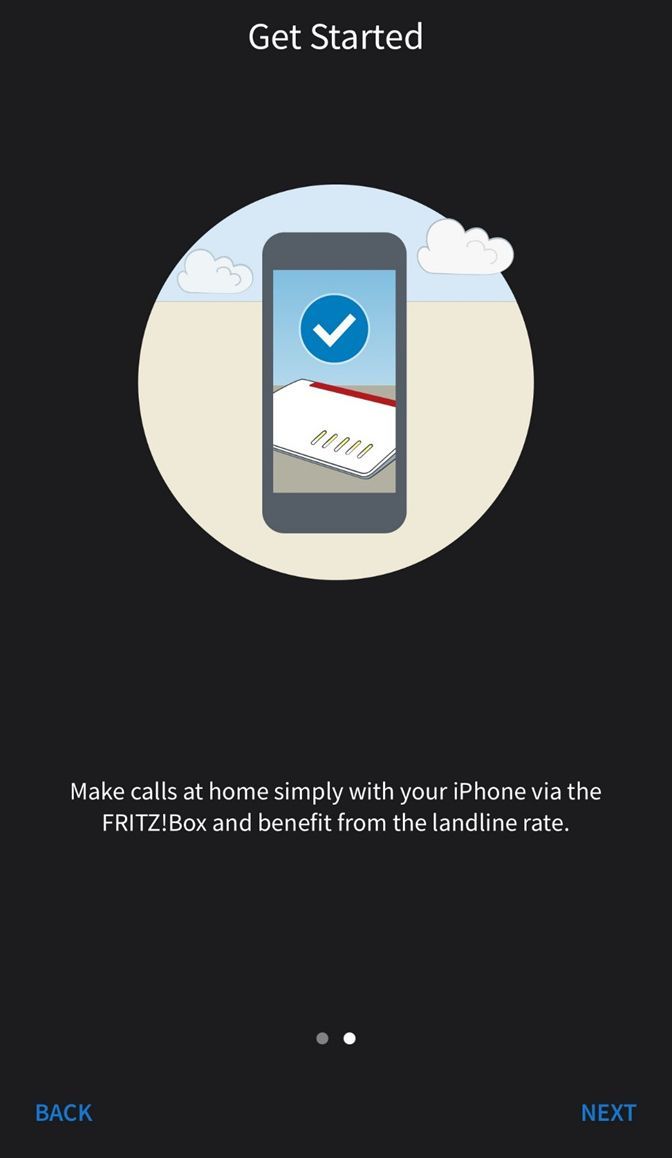
- We'd recommend to make a test call and ensure you can hear and be heard via the App
If you still need help with your setup, take a look at our troubleshooting steps here.
Contacting Technical Support
If you are still having issues after the troubleshooting steps , please contact our Technical Support team for further assistance.
Download the Zen mobile application to manage your broadband plans.


Apple and Apple logo are trademarks of Apple Inc. Google Play and the Google Play logo are trademarks of Google LLC.
