Home / Getting Started with Broadband
Getting Started with Broadband
Choose from our extensive Knowledge Base, YouTube videos & Guides.
Just got your broadband router delivered? If you're wanting some help setting up, click below:
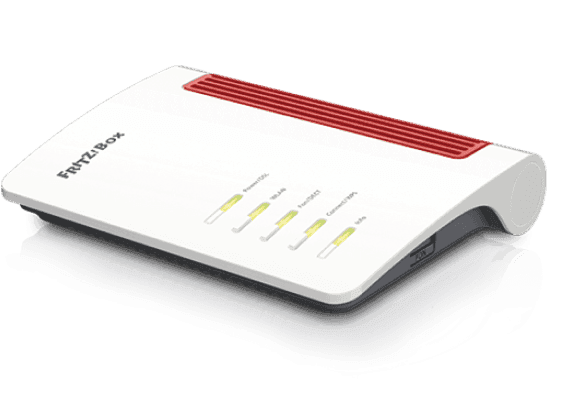
Has your router not set up automatically? If you're wanting to input the settings manually, click below:
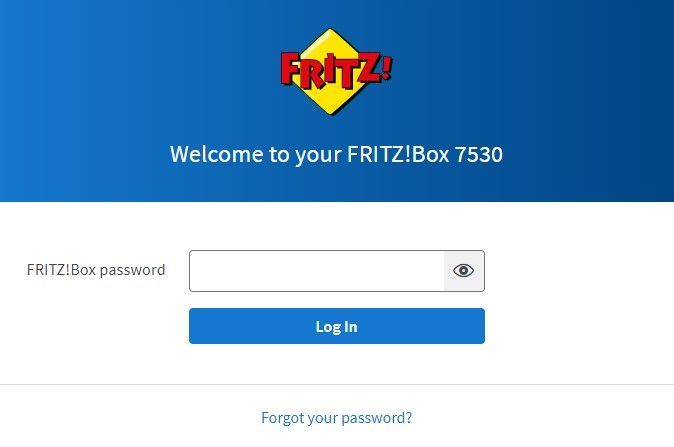
Have a Non-Zen router and unsure how to set this up? Click below for settings that may help getting you online:


Apple and Apple logo are trademarks of Apple Inc. Google Play and the Google Play logo are trademarks of Google LLC.
