Booking a Datacenter Visit for Business
1. Logging into your Portal
- Go to the " My Account" section of the Zen website and enter your username or password
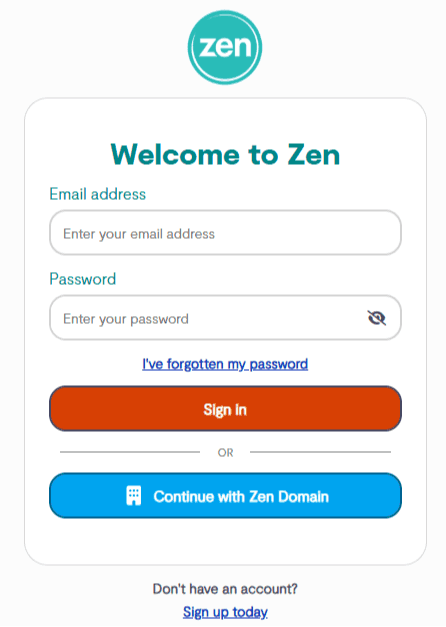
Note - If you are not signed up for the portal click the button to "Sign Up for a Zen Account"
2. Finding a Service
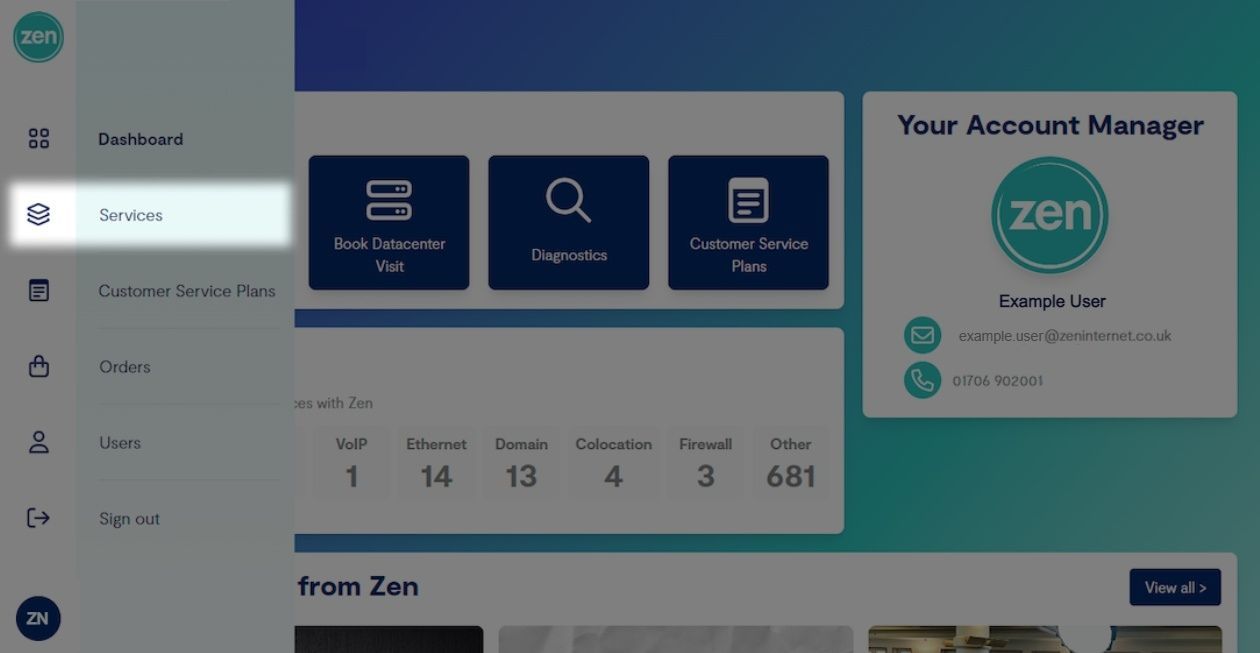
- Select "Services" at the side of the main Portal page
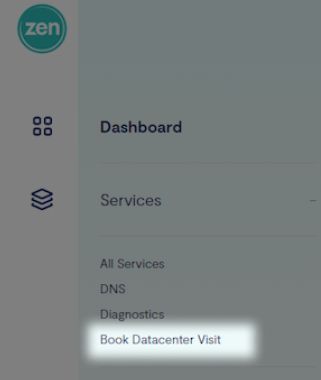
- Then select the "Book Datacenter Visit" tab
3. Booking a Visit
- Within this page you can see previous and ongoing requests. To book a new request select "New Request"
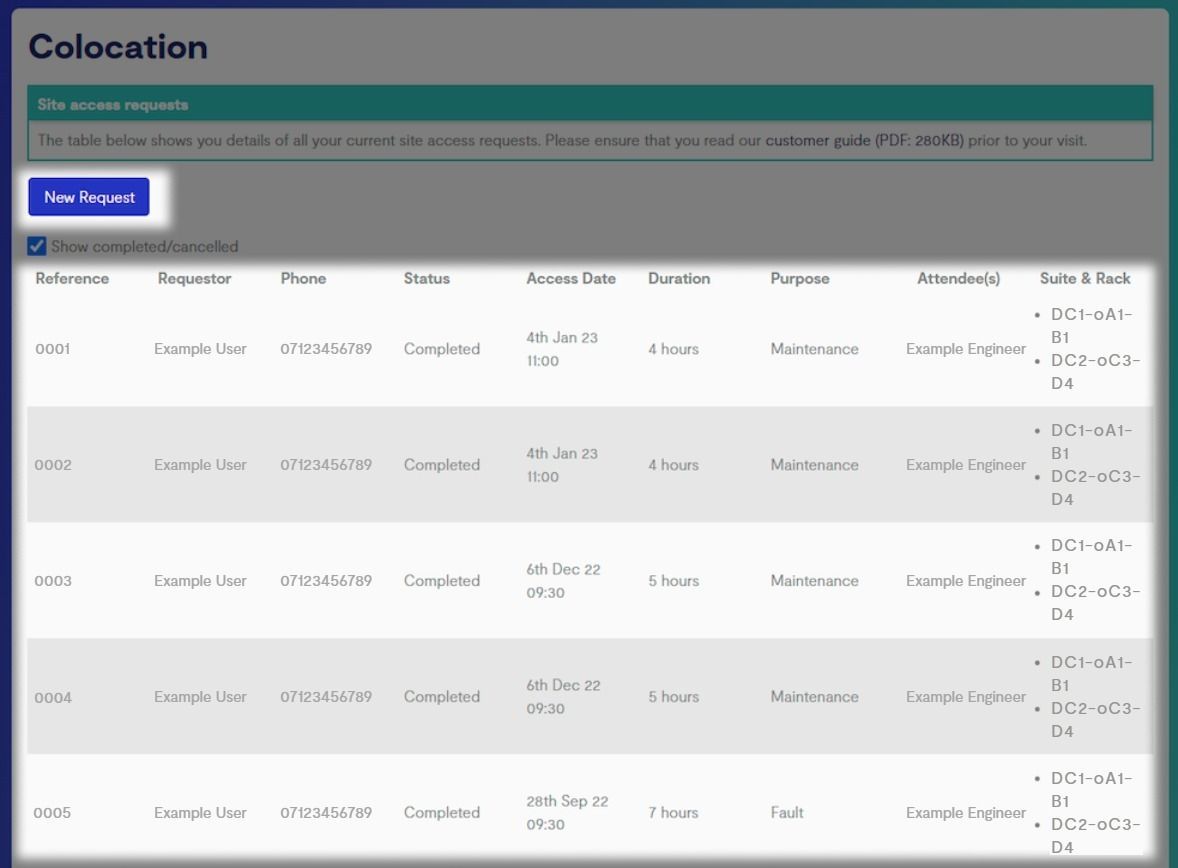
- Within the request screen fill out as much of the required info as possible
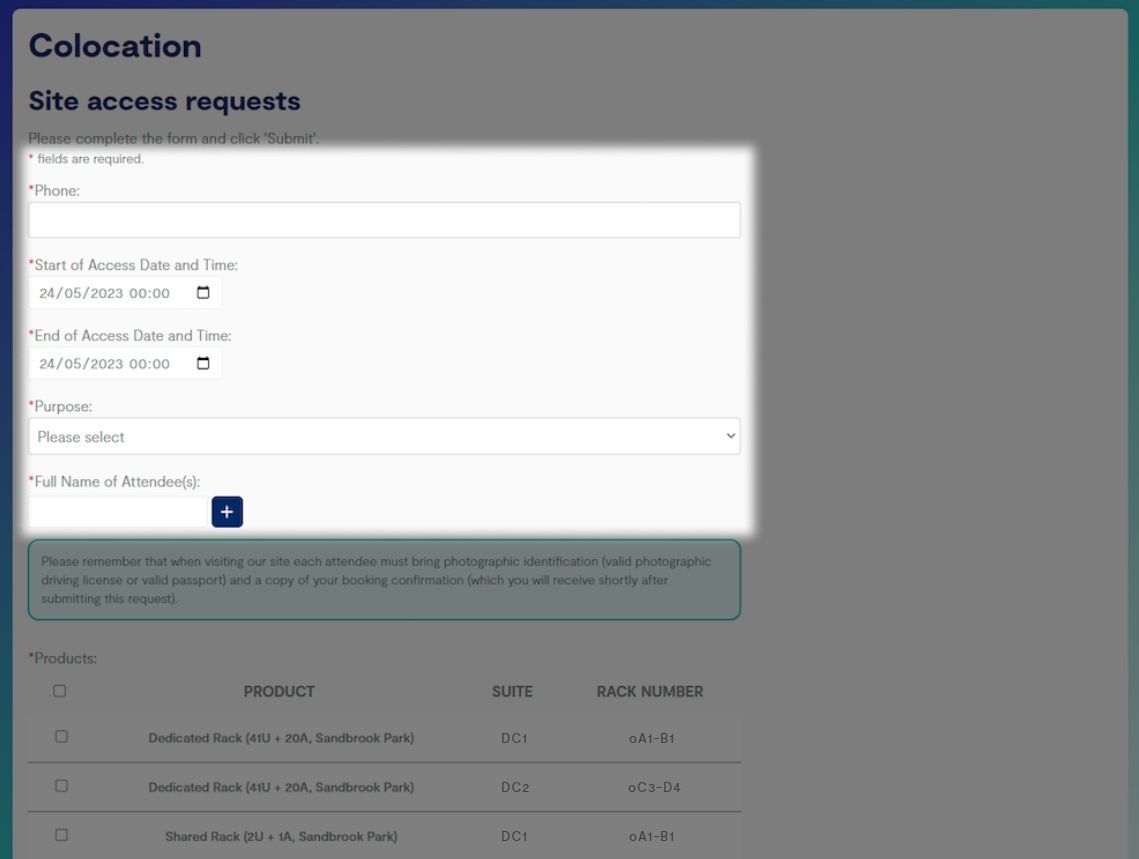
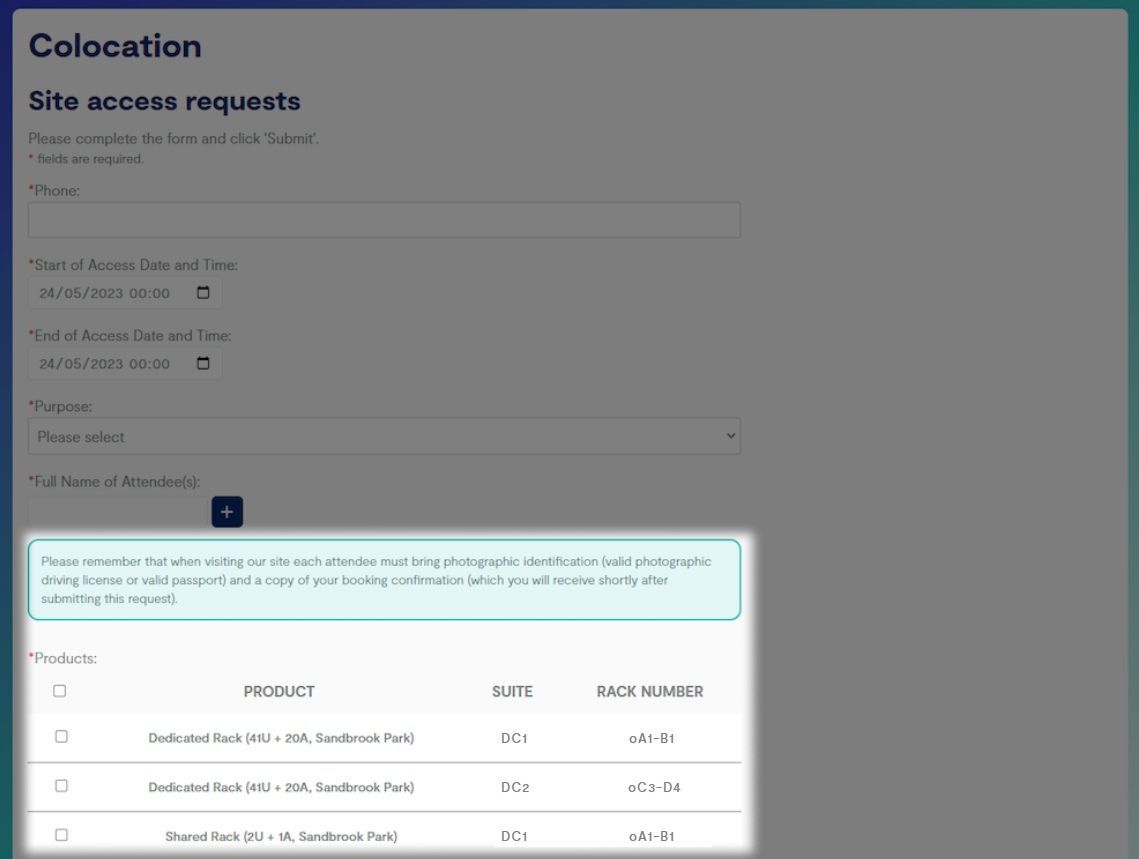
- Select the colocation service you wish to visit before submitting the request
Download the Zen mobile application to manage your broadband plans.


Apple and Apple logo are trademarks of Apple Inc. Google Play and the Google Play logo are trademarks of Google LLC.
