Changing the Default Email Address on cPanel
What is a Default Address
cPanel has a feature to to capture email messages sent to invalid email addresses on a domain.
When an email is sent to an address that doesn't exist, the default address can determine what to do with that email. such as discard, forward or point it elsewhere.
1. Accessing Default Address Settings
- First, open your cPanel and log in (for a guide on how to do this look here)
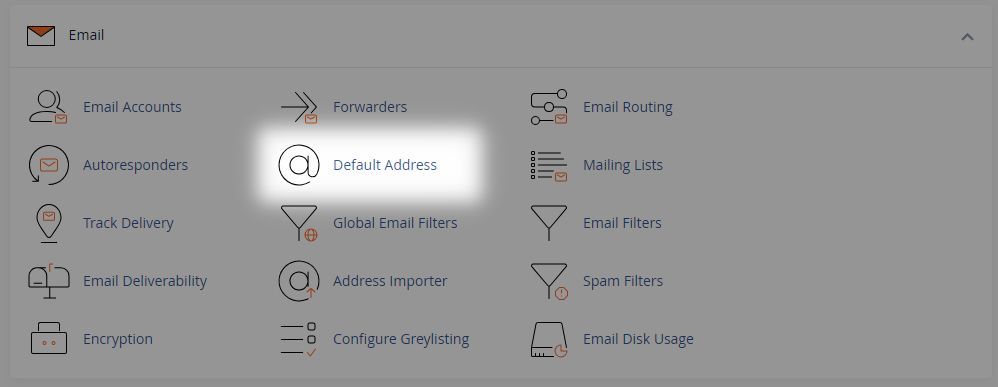
- Select "Default Address" from the "Email" sub-menu
2. Selecting the Domain
- Within the "Send all unrouted email for the following domain:" select the domain that you wish to set the default address for

Note - You can set default addresses for each domain configured on your cPanel.
3. Selecting the Email Delivery Option
There are five options to select from for how unrouted emails are delivered:
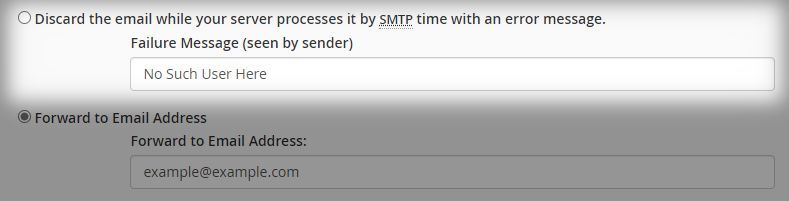
- "Discard the email while your server processes it by SMTP time with an error message.", with this option emails will be bounced back to the sender with the custom error message you've entered
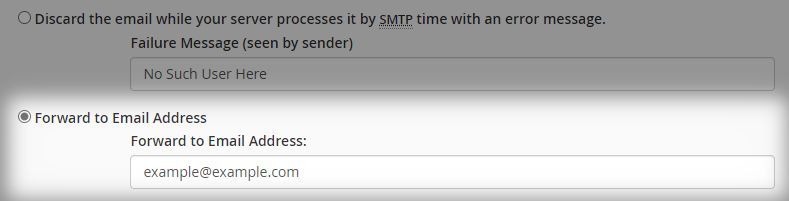
- "Forward to Email Address.", Emails will be forwarded to the email address entered and the sender will not receive a bounce back (This type is usually referred to as a Catch All address)
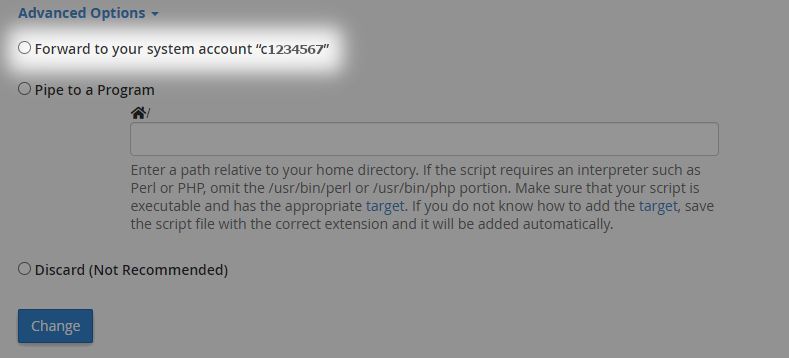
- "Forward to your system account 'c1234567'.", Emails will be forwarded to the system account shown and the sender will not receive a bounce back
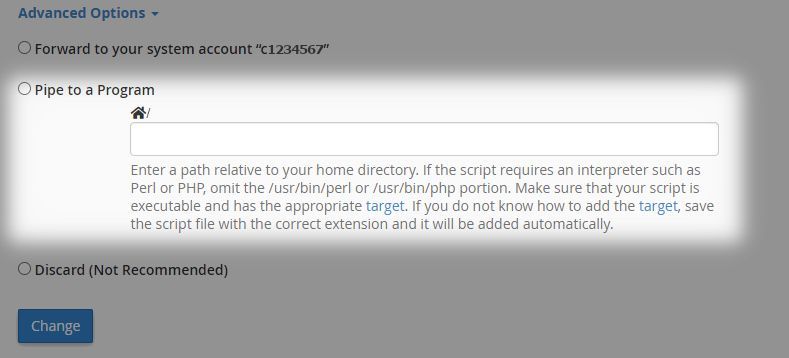
- "Pipe to a Program", Will route the emails to whatever script is entered
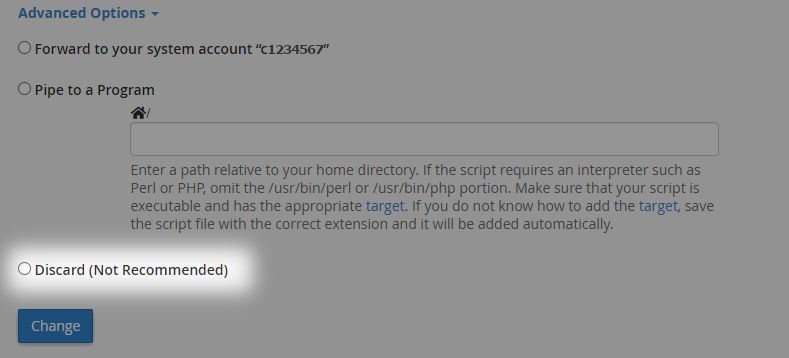
- "Discard", Will delete the email and send a bounce back to the sender stating the address does not exist
Download the Zen mobile application to manage your broadband plans.


Apple and Apple logo are trademarks of Apple Inc. Google Play and the Google Play logo are trademarks of Google LLC.
