Checking Your Call Usage for Home
1. Logging into your Portal
- Go to the "My Account" section of the Zen website and enter your username or password
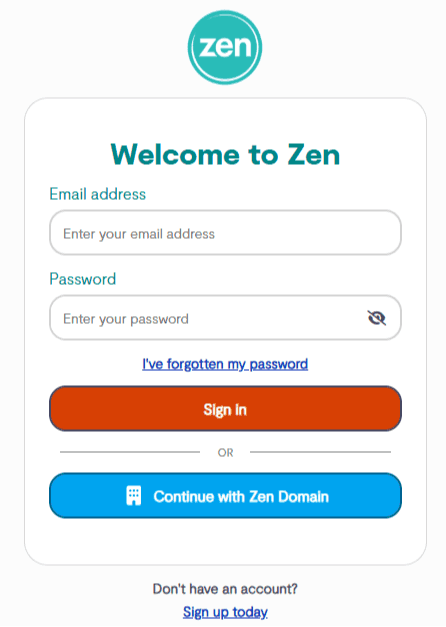
Note - If you are not signed up for the portal click the button to "Sign Up for a Zen Account"
2. Finding Your usage Details
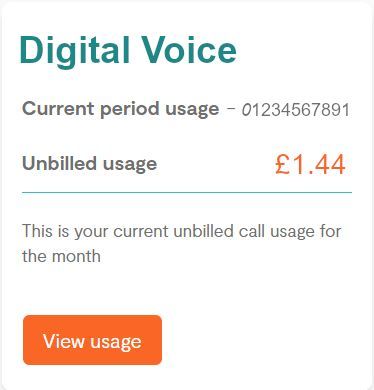
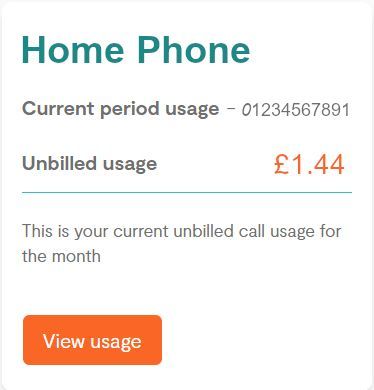
- On the main "Home" page it will show one of the following

- Dependent on the product you have you'll see either "Digital Voice" or "Home Phone". Select the option for "View usage" below
3. Viewing Call Usage
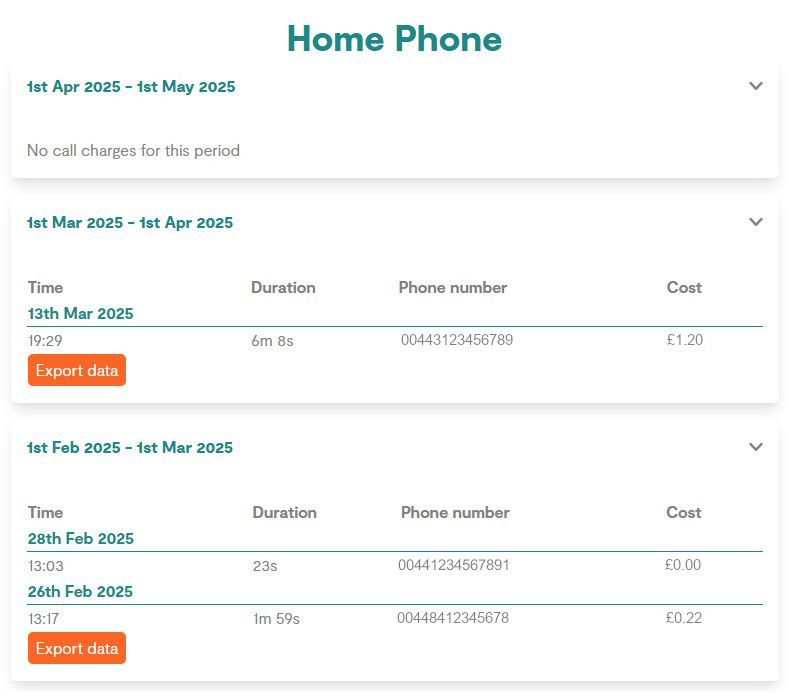
- Select "View Usage" to show the "Dates", if you wish to know more select the arrow to the side of that date
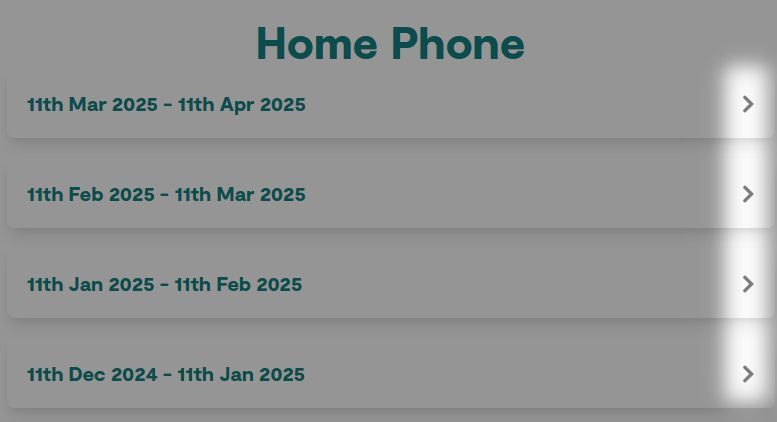
- You'll see a page that shows the itemised billing information, here you can view the Date, Time, Duration, Number called and Cost, this data can be exported for further examination if required
Download the Zen mobile application to manage your broadband plans.


Apple and Apple logo are trademarks of Apple Inc. Google Play and the Google Play logo are trademarks of Google LLC.
