Checking Your Order for Business
1. Logging into your Portal
- Go to the " My Account" section of the Zen website and enter your username or password
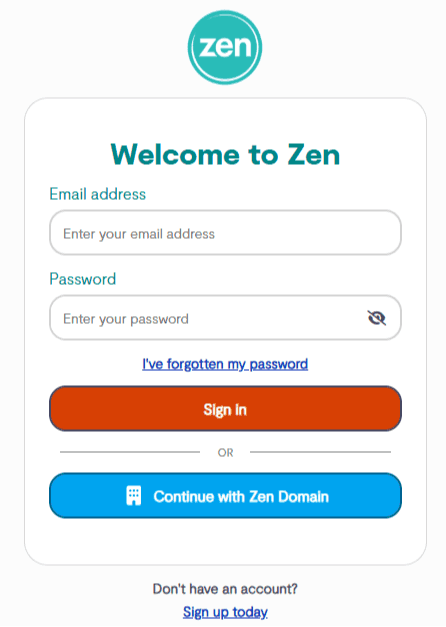
Note - If you are not signed up for the portal click the button to "Sign Up for a Zen Account"
2. Finding Your Order Details
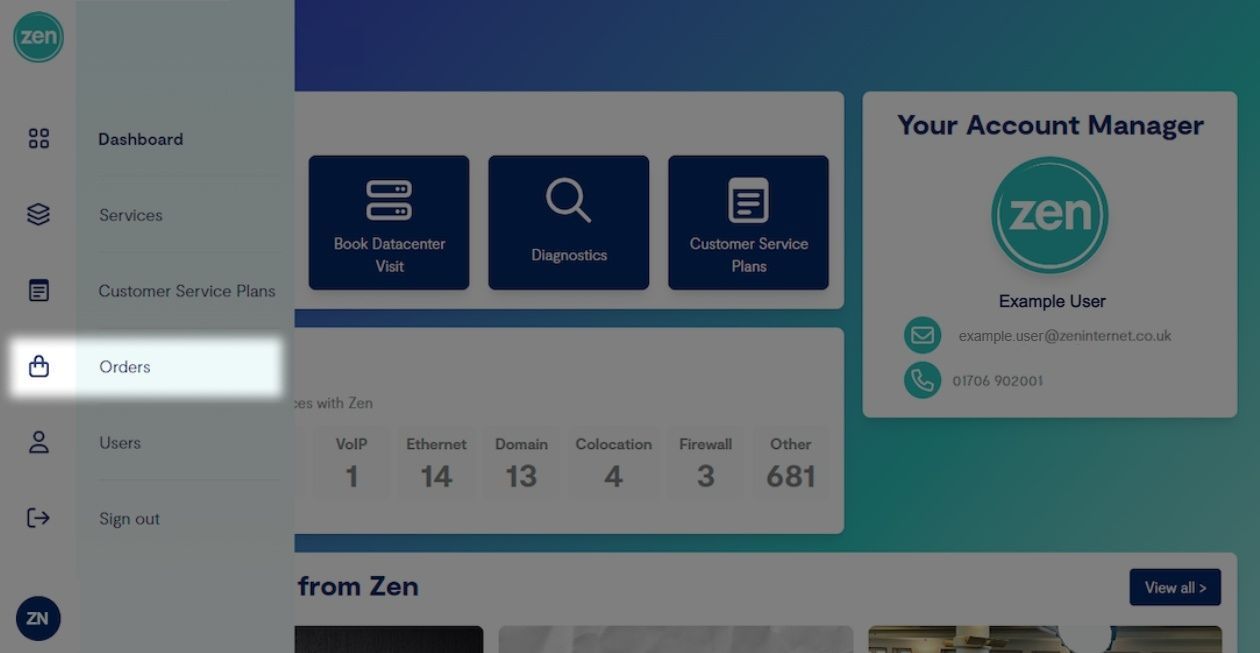
- Select "Orders" at the side of the main Portal page
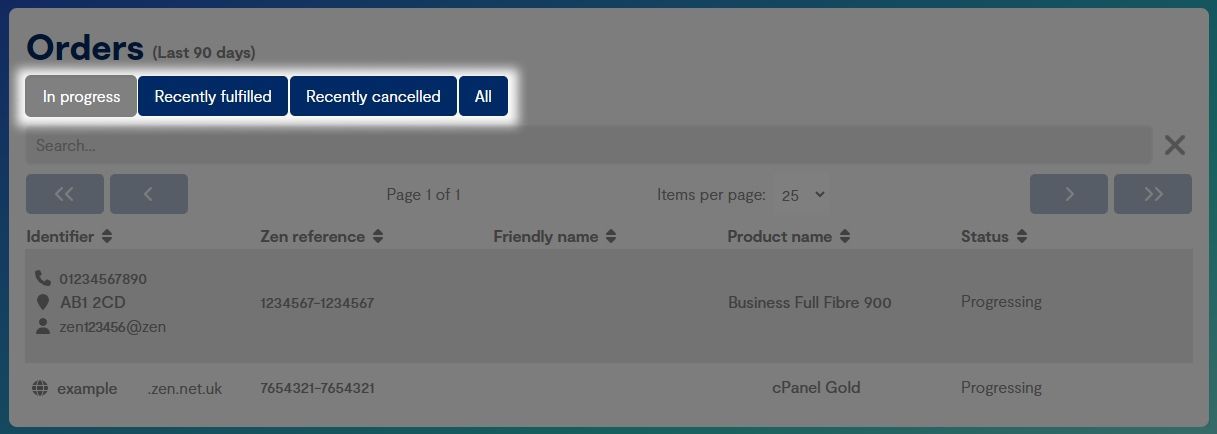
- Orders are categorized by their status, this can be changed at the top
- You can search for the order you want view, using any order information you've been given then select it from the list
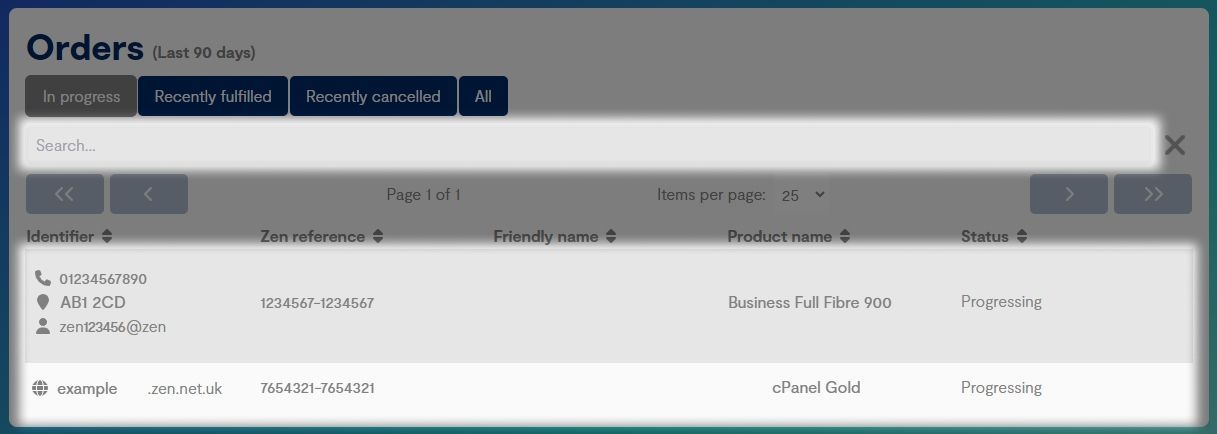
- Then you can find all of your Order information from the details shown
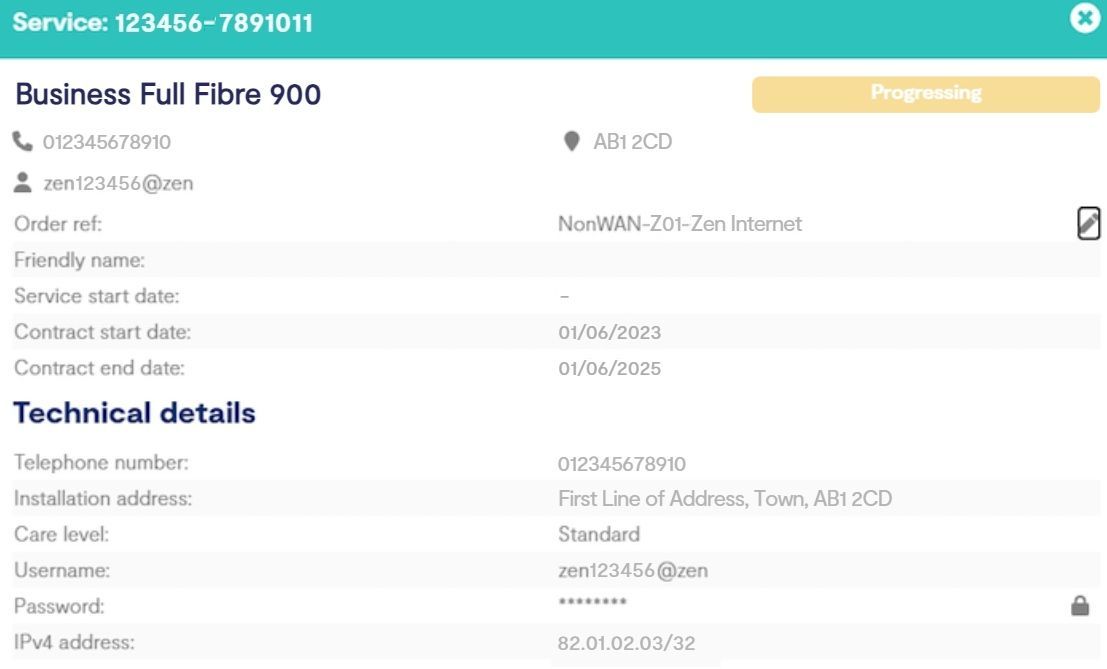
Note - If you need further help or information on your order, please contact our Order Managment team for assistance.
Download the Zen mobile application to manage your broadband plans.


Apple and Apple logo are trademarks of Apple Inc. Google Play and the Google Play logo are trademarks of Google LLC.
