DECT Phone Number Withholding Setup
1. Temporarily Withholding your Number
You can withhold your number for a single call using the call code *31# then the number you want to call. Your caller ID will then be blocked for that call.
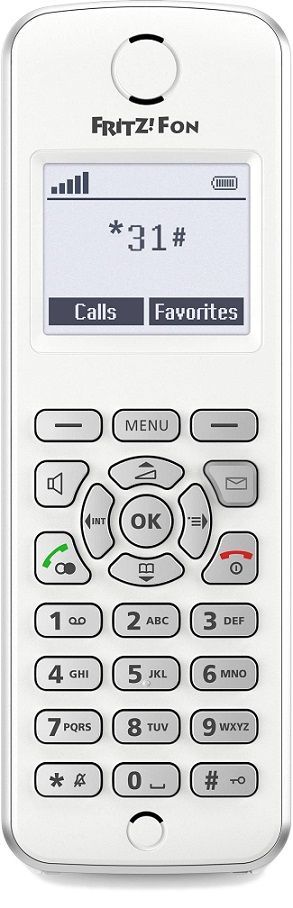
Example - Enter *31#01706902000 to block your caller ID when calling the telephone number 01706 902 000.
2. Permanently Withholding your Number
If you want to permanently withhold your number for all calls you can do this by making a couple of quick changes within your FRITZ!Box Interface;
- Start by finding the "FRITZ!Box Password" on the underside of your router
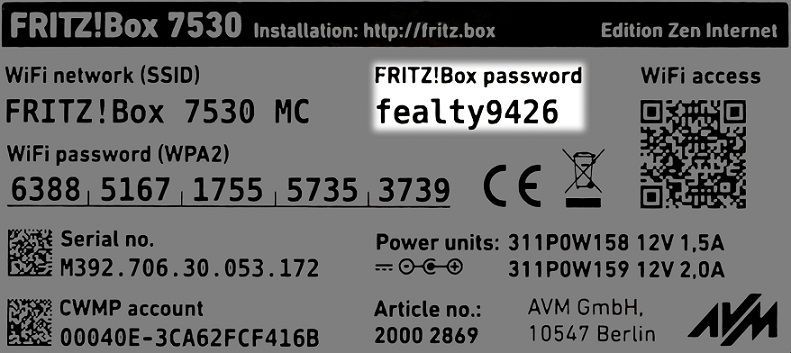
- Using one of your devices, open your web browser of choice and go to http://192.168.178.1 (when connected to your router via WiFi or a Wire)
- You'll then be shown a log in screen with an empty "Password" field, enter the found password and click "Log In"
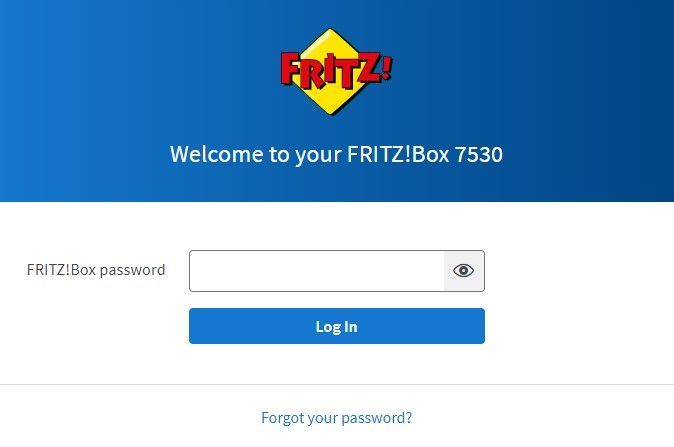
Note: You can also find these steps on our "How To" YouTube Video
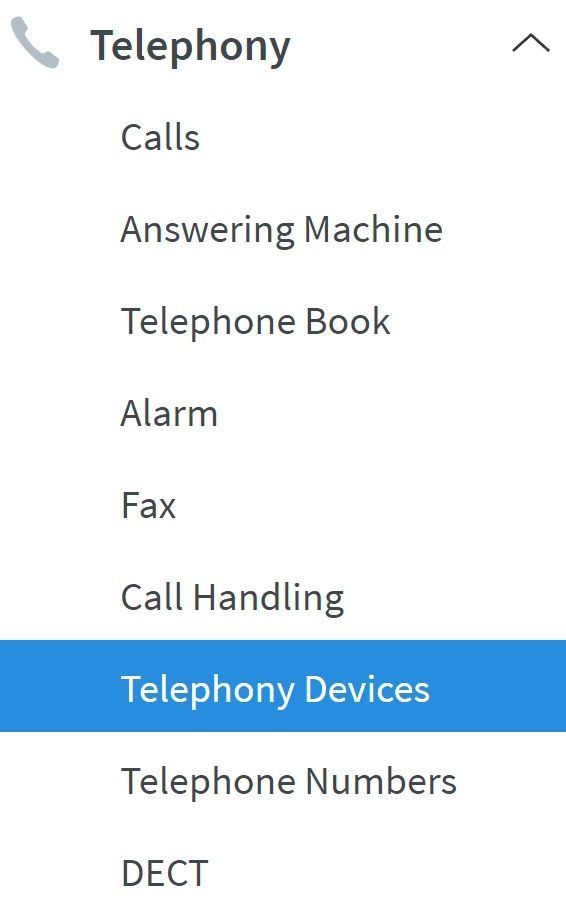
- Click the "Telephony" Menu
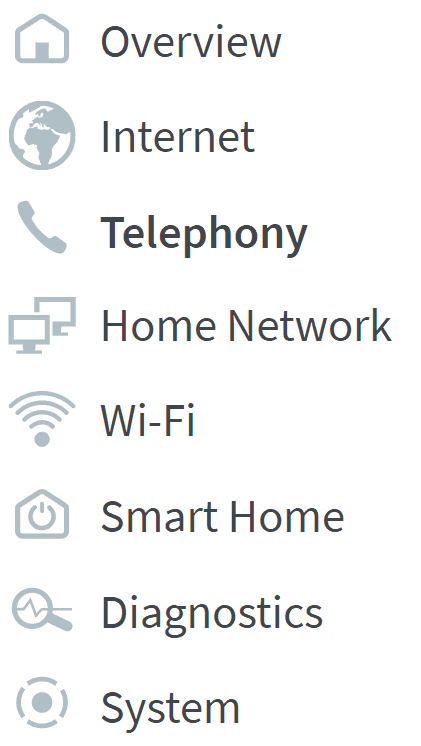
- Now click the "Telephony Devices" sub-menu
- Find your telephone in the list and click the "Edit" button next to this

- On the next page select the "Telephony Device Features" tab

- Enable the option "Calling line identification restriction (CLIR)"

- Click "OK" to save the settings
Note: You can temporarily display your number again by using the call code #31# before entering the number you wish to call.
Download the Zen mobile application to manage your broadband plans.


Apple and Apple logo are trademarks of Apple Inc. Google Play and the Google Play logo are trademarks of Google LLC.
