DECT Phone Voicemail Setup
1. Accessing the Voicemail Menu
- Pick up your DECT handset connected to the FRITZ!Box (see this guide if you need any assistance with setup)
- Then Dial **600 to access the voice menu
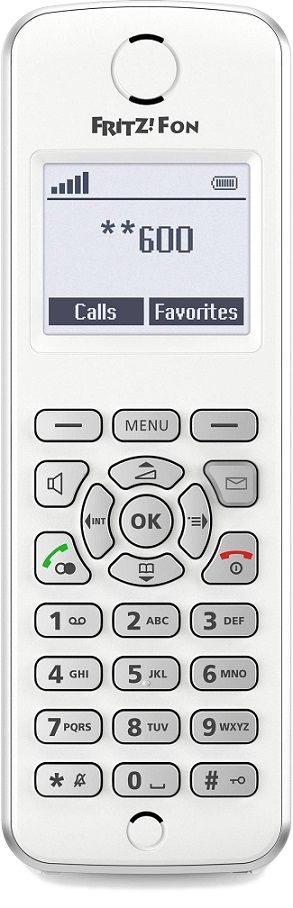
- Following the voice menu prompts, press the corresponding keys on the number pad to go to the menu option you need
2. Voicemail Menu Options
Below are the menu options for managing your voicemail answering machine.
If any menu options are missing, check the answering machine is switched on, as not all of the menu items are available when it's off.
Download the Zen mobile application to manage your broadband plans.


Apple and Apple logo are trademarks of Apple Inc. Google Play and the Google Play logo are trademarks of Google LLC.
