Finding Connection Details for Home
1. Logging into your Portal
- Go to the "My Account" section of the Zen website and enter your username or password
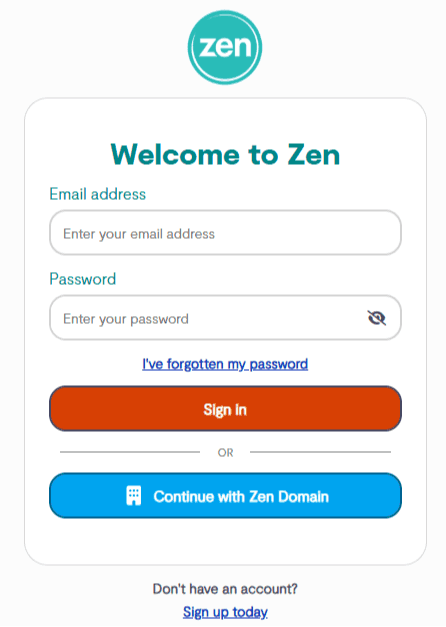
Note - If you are not signed up for the portal click the button to "Sign Up for a Zen Account"
2. Finding a Service
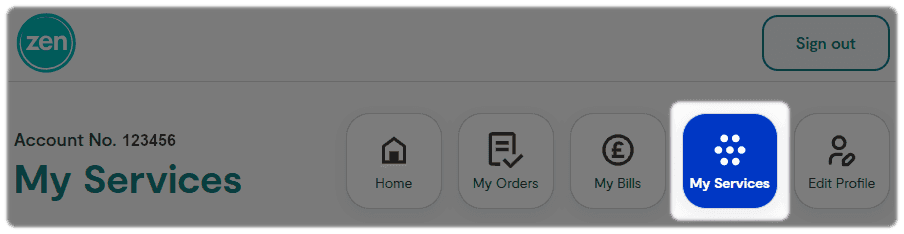
- From the Home page select the "My Services" tab
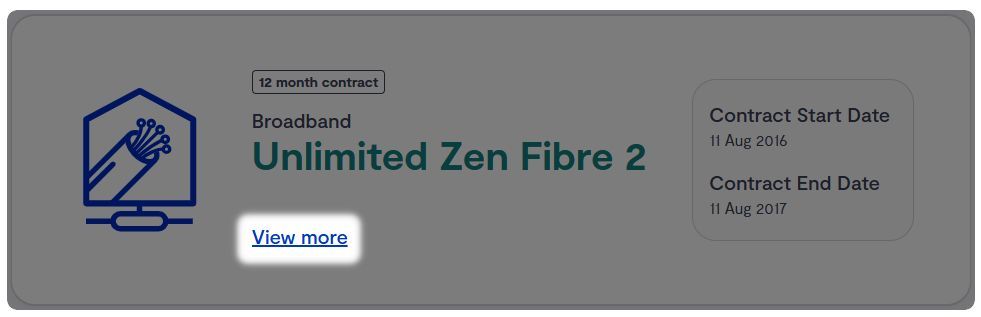
- Now find the service you want the details for and select the arrow next to this
3. Finding Technical Details
- Within the service find the "Technical Details" section
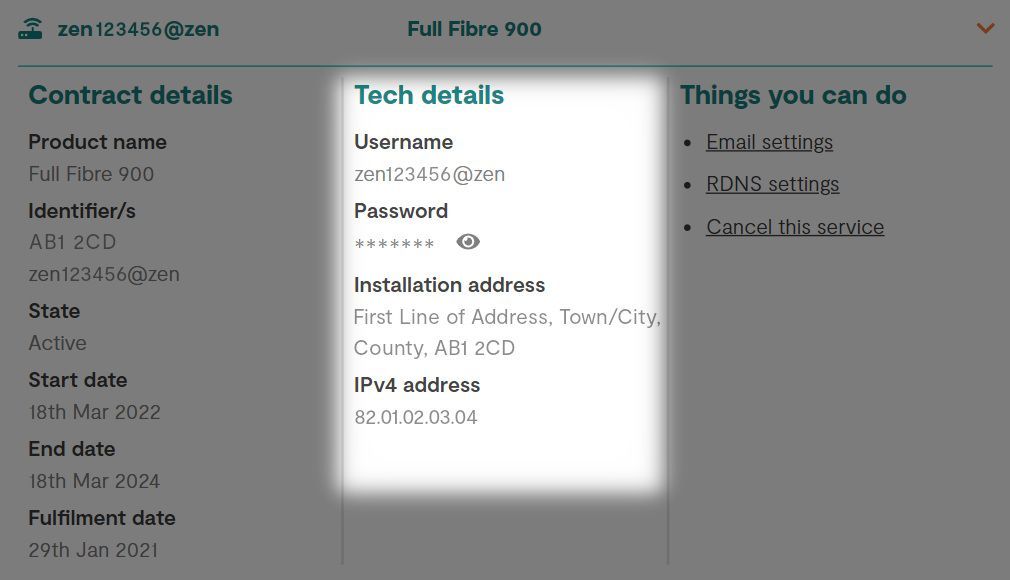
- You can find the PPP/ISP "Username" along with the "Password" (visible by pressing the eye icon)
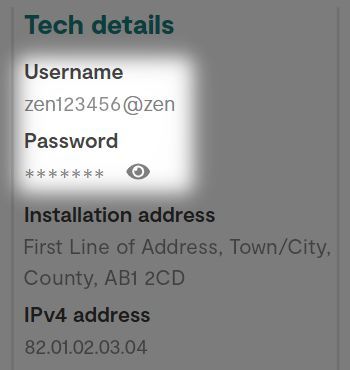
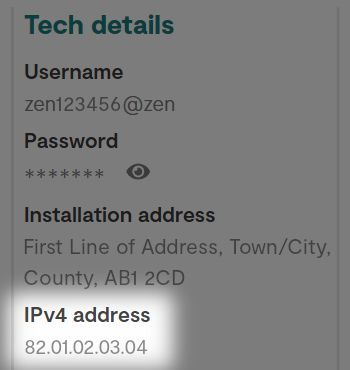
- The "WAN/IPv4 Address" can be found at the bottom of the page
Download the Zen mobile application to manage your broadband plans.


Apple and Apple logo are trademarks of Apple Inc. Google Play and the Google Play logo are trademarks of Google LLC.
