Getting Started with CloudFlex
CloudFlex login and Create a Project
If you already have an account, you can login to your account here or type the following URL https://cloudflex.zen.co.uk in to your browser of choice.
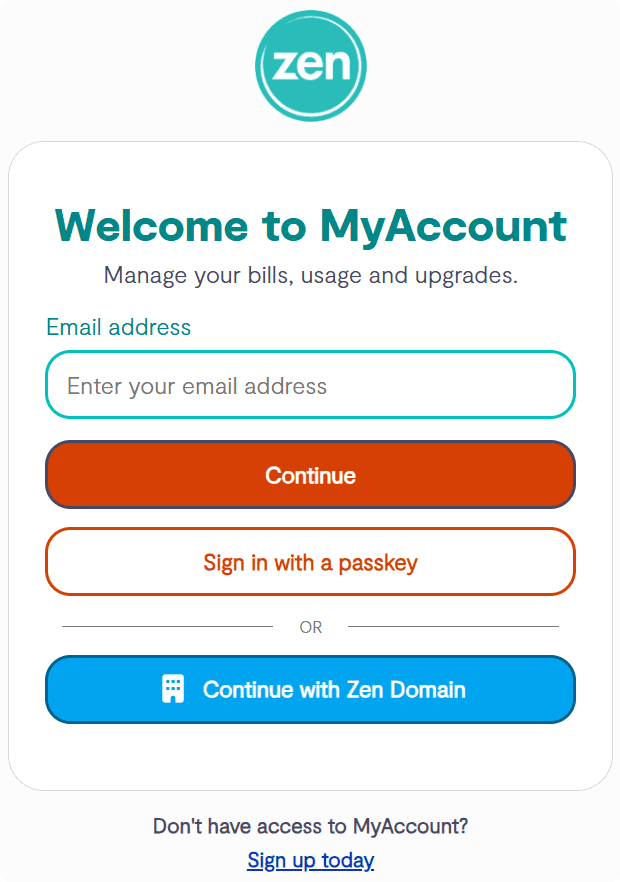
- Enter your Username then select Continue
- Then enter your Password
Once you have logged in, you can proceed to create a project below.
Projects in CloudFlex
A Project acts as a container for your cloud resources.
While all resource usage is billed through your billing profile, Projects allow you to logically organise resources, making it easier to track and analyse costs at a more detailed level. Projects can also be used to separate resources between different customers, environments, or business functions.
1. Create a Project
If no projects exist for your account already, you will be prompted once you're logged in, to create a project.
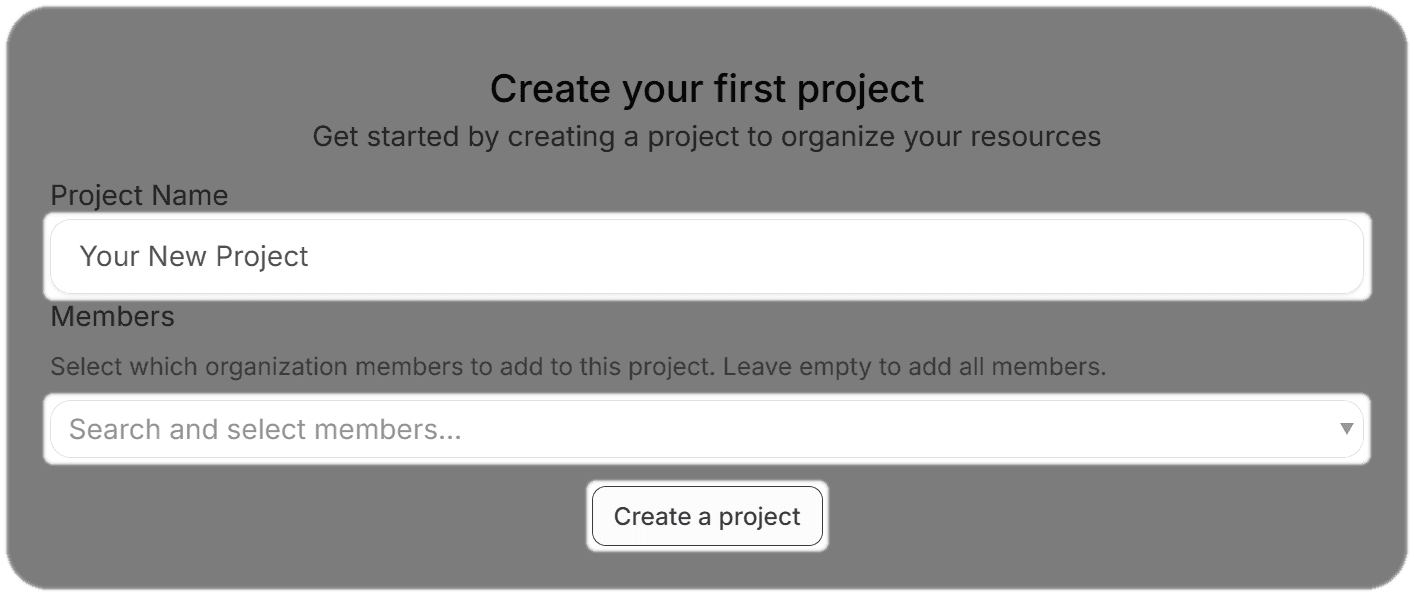
If you are not presented with the Create your first project option, or If you want to create additional projects,
- Select your Username in the top right of the CloudFlex portal
Within the drop down menu:
- Select Create
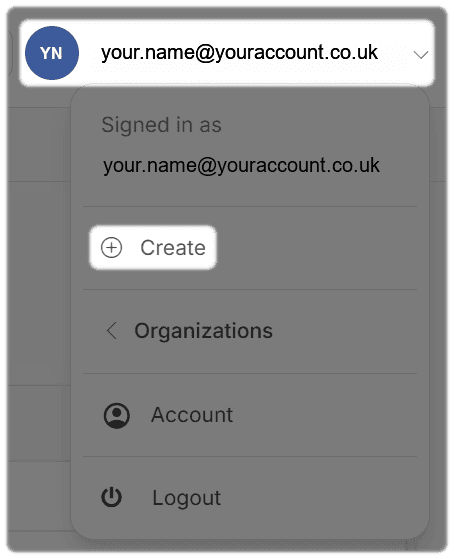
Once you have entered the Project Name, remember to Select which organization members to add to this project, leaving this empty will add all members.
2. Locating your Projects
Once you have created your project, you can open and view this from the Dashboad option from the left hand side menu in the portal.
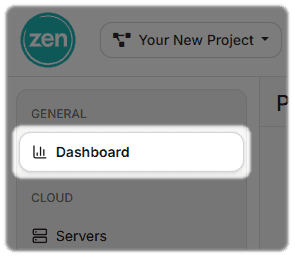
You can also open and view all of your projects from the Dashboad, by either selecting the Zen located on the top left hand corner.
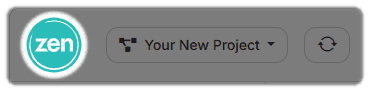
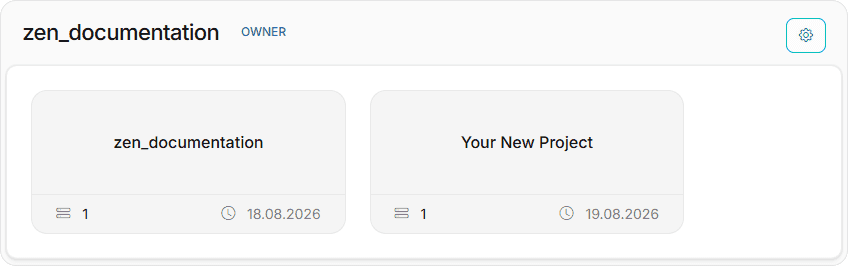
Or you can view by the drop-down menu to the side of the Zen logo.
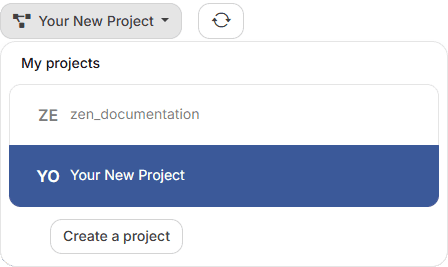
From this drop-down you can also Create a project if required.
Need Help?
Feel free to email cloud@zen.co.uk.
Download the Zen mobile application to manage your broadband plans.


Apple and Apple logo are trademarks of Apple Inc. Google Play and the Google Play logo are trademarks of Google LLC.
