Mobile App Call Blacklisting Setup
1. Blocking Calls Overview
You can set up call blocking in the FRITZ!Box to block incoming calls from specific telephone numbers or number ranges. You can also block anonymous callers.
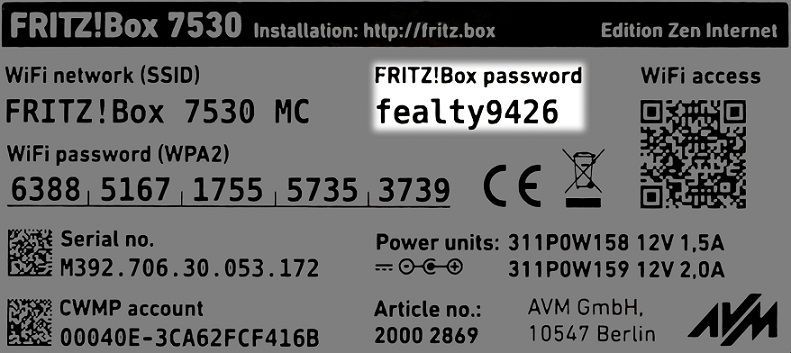
- Start by finding the "FRITZ!Box Password" on the underside of your router
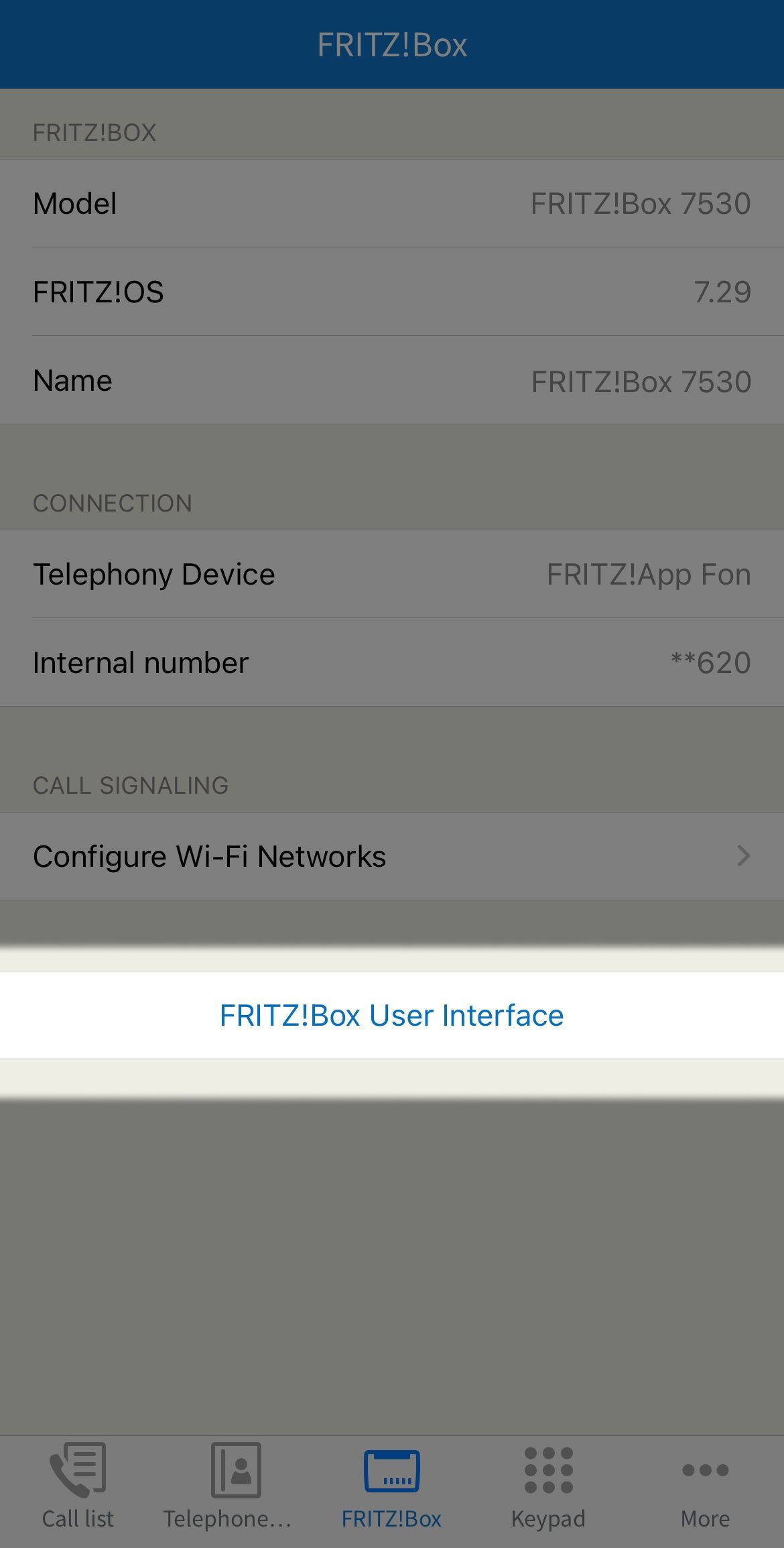
- Using the app, navigate to the "FRITZ!Box" Tab.

- Now select the option for "FRITZ!Box User Interface"
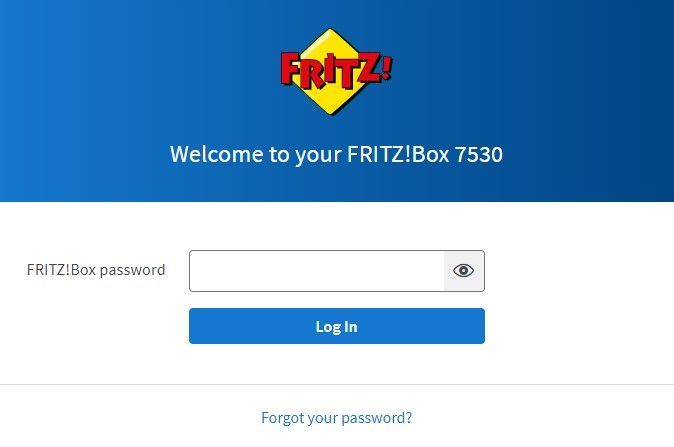
- You'll then be shown a log in screen with an empty "Password" field, enter the found password and click "Log In"
Note: You can also find these steps on our "How To" YouTube Video
- Click the "Telephony" menu
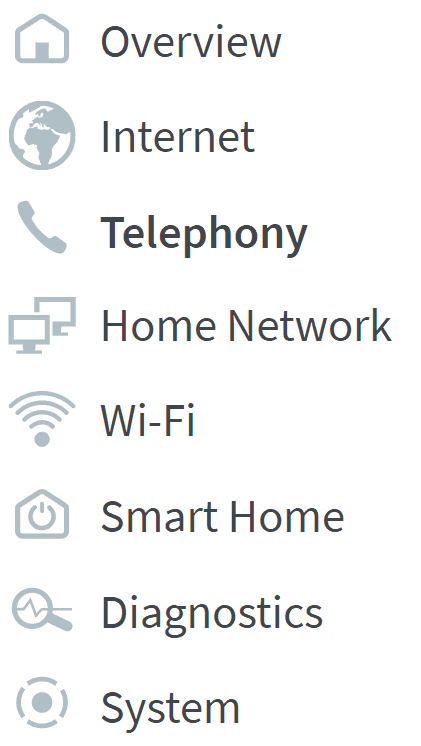
- Click the "Call Handling" sub-menu
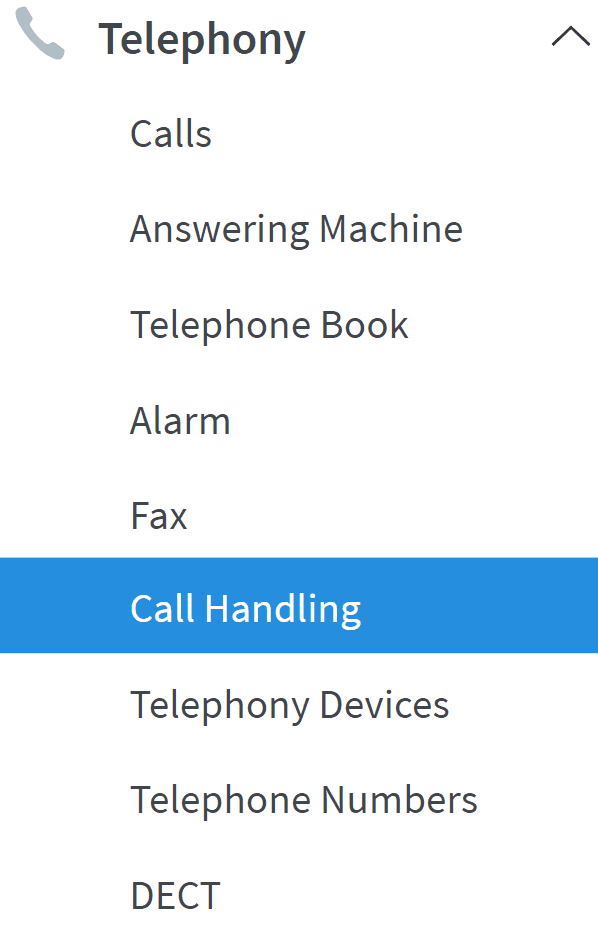
- Select the "Call Blocks" tab

2. Blocking Calls From a Specific Number
- From the "Call Blocks" tab. Click the "Add Telephone Number" button

- Enter the telephone number next to the most relevant category "Mobile" "Business" or "Private"
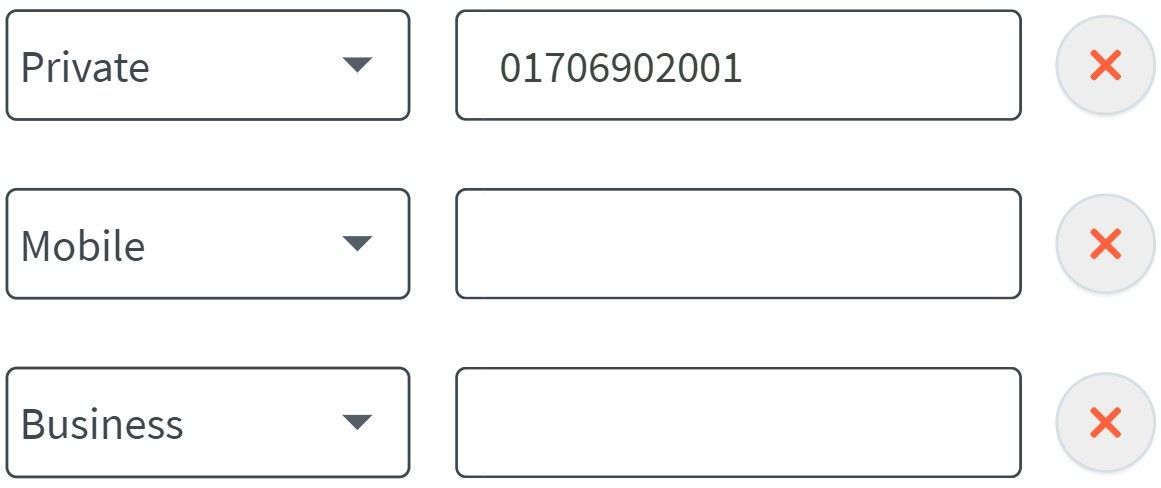
- Click "OK" to save the settings
3. Blocking Anonymous Callers
- From the "Call Blocks" tab. Click the "Add Range" button

- Select "Anonymous callers" from the drop-down list "Number range"

- Click "OK" to save the settings
4. Blocking Calls From a Range of Numbers
- From the "Call Blocks" tab. Click the "Add Range" button
- Select "Number range" from the drop-down list, enter the desired range you want to block in the "Number range" field then enter a nickname for the call block
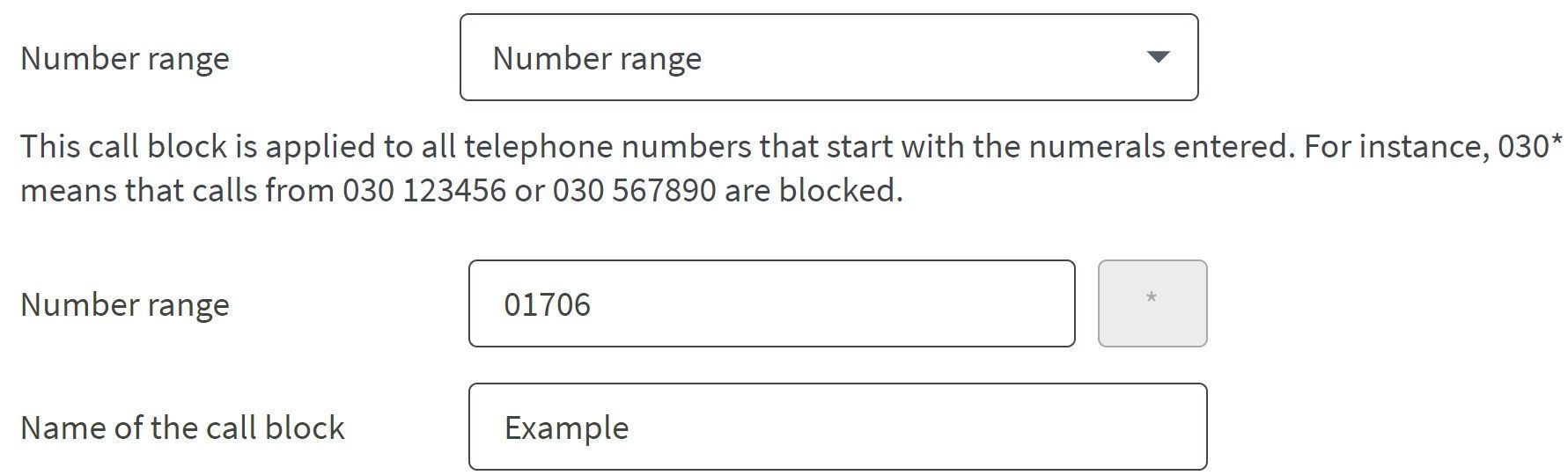
- Click "OK" to save the settings
5. Setting up Exceptions for Specific Callers
If you blocked incoming calls to a telephone number range, you can set up exceptions for specific callers in your telephone book.:
- Click the "Telephony" menu
- Click the "Telephone Book" sub-menu
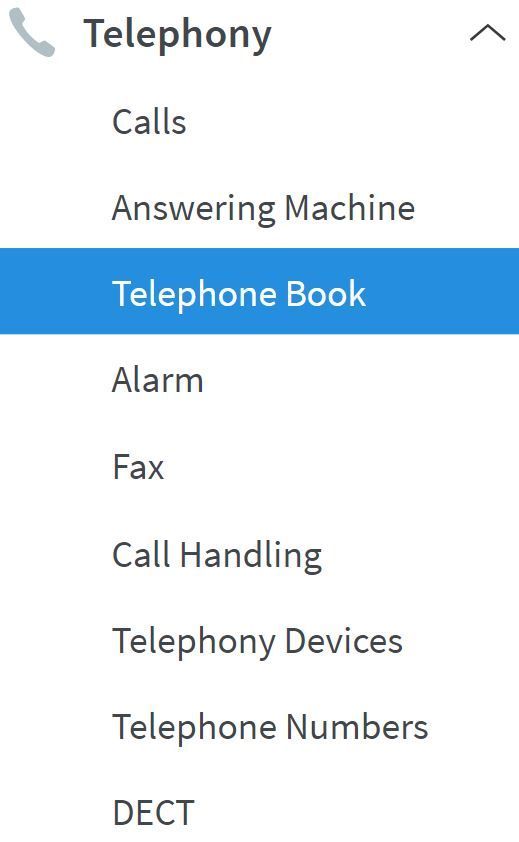
- Click the "Edit" button next to the entry for the caller you want to have the exception

- Enable the option "Important person". This option is only available if the user is already in the telephone book

- Click "OK" to save the settings
Download the Zen mobile application to manage your broadband plans.


Apple and Apple logo are trademarks of Apple Inc. Google Play and the Google Play logo are trademarks of Google LLC.
