Setting up cPanel Email Quota Alerts
1. Accessing Contact Information
- First, open your cPanel and log in (for a guide on how to do this look here)
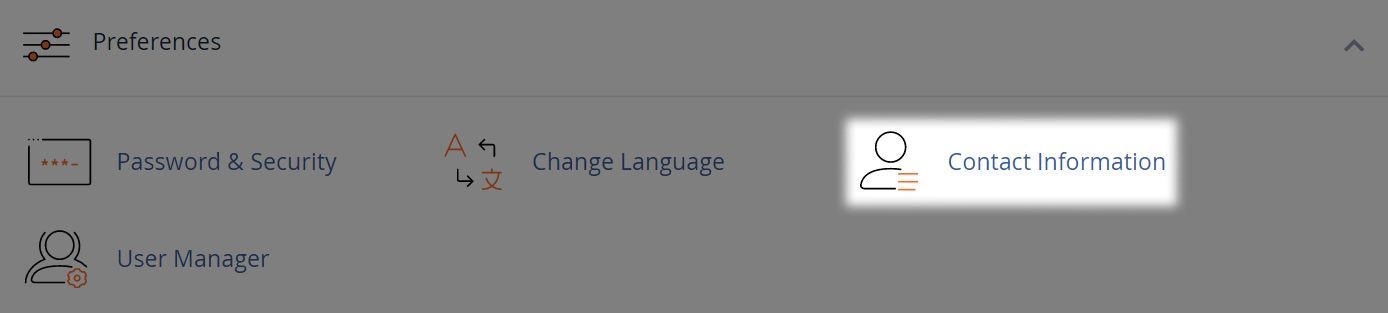
- Select "Contact Information" from the "Preferences" sub-menu
2. Setting up Email Alerts
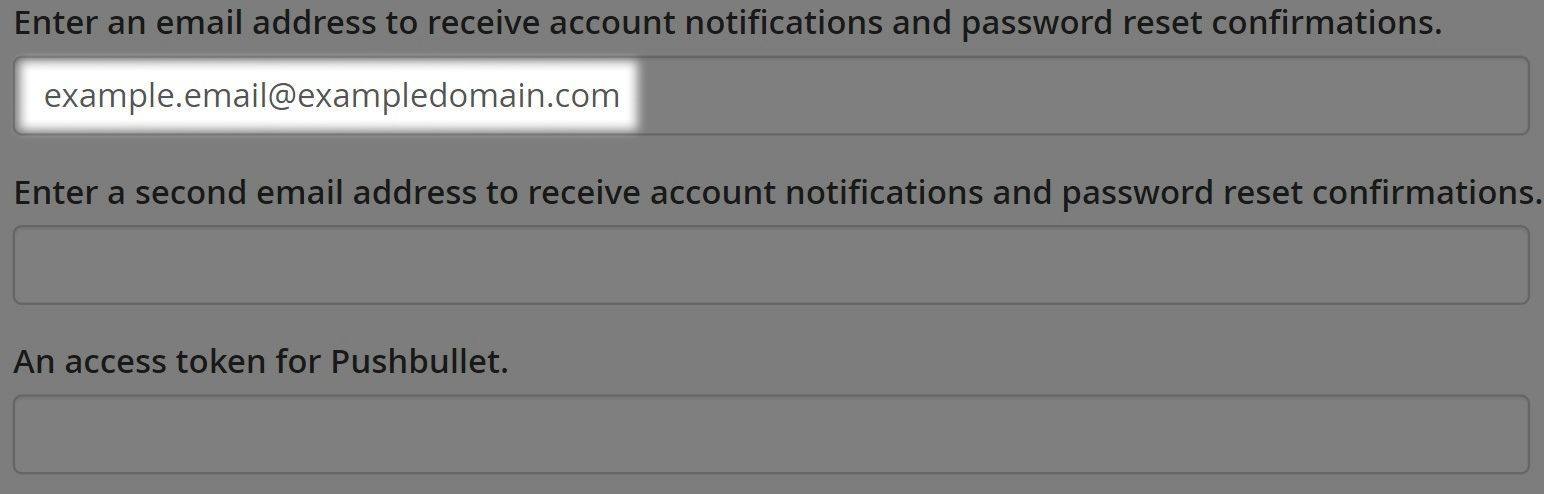
- First check there is an email address setup to receive alerts
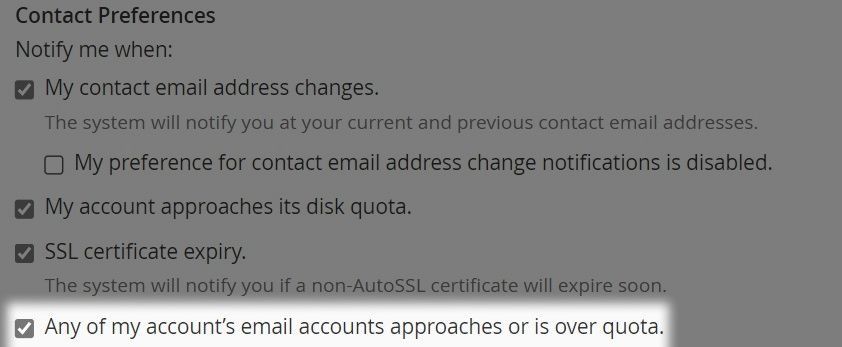
- Find and check the box for "Any of my account's email accounts approaches or is over quota"
- Finally, click "Save" to confirm the new settings
Download the Zen mobile application to manage your broadband plans.


Apple and Apple logo are trademarks of Apple Inc. Google Play and the Google Play logo are trademarks of Google LLC.
